目录
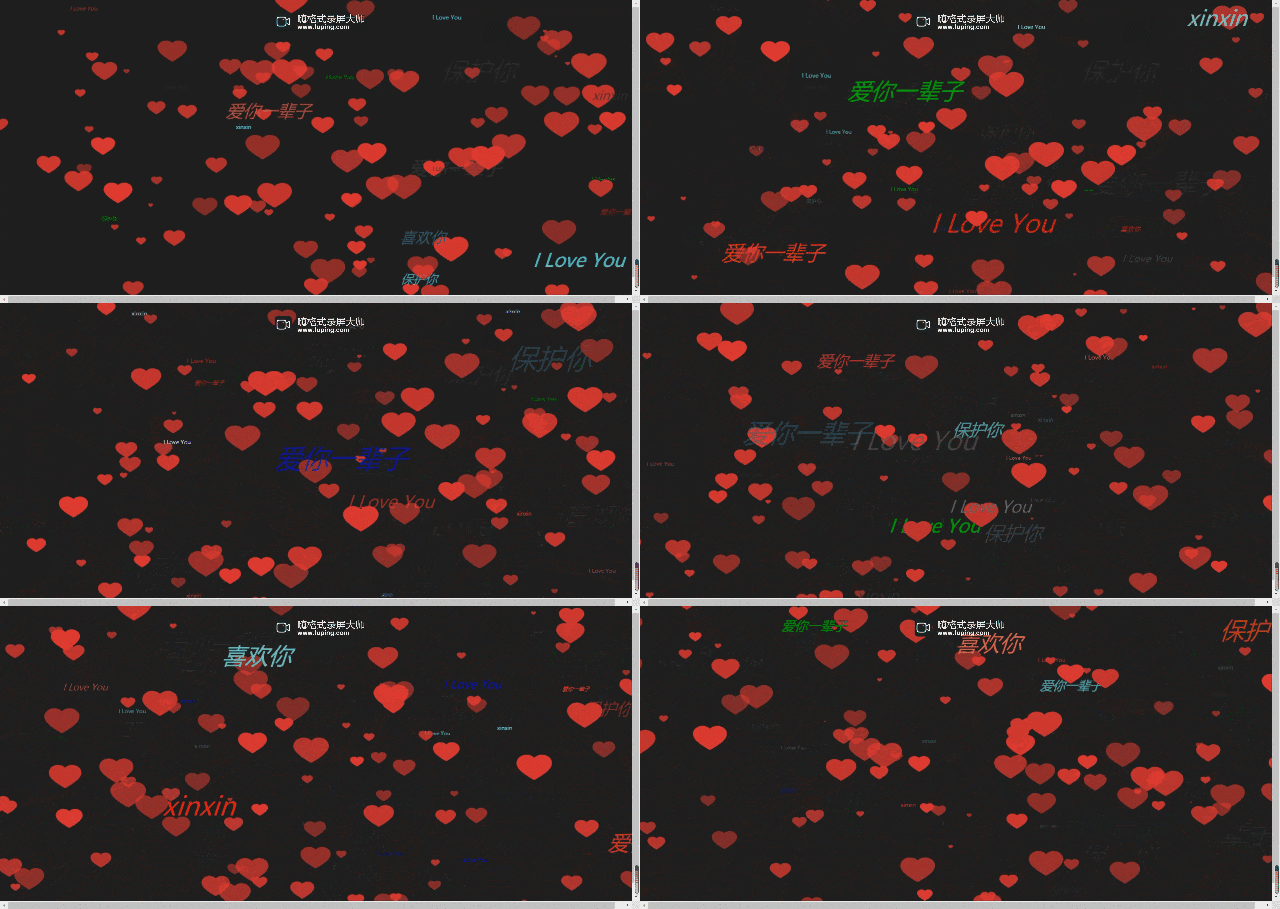
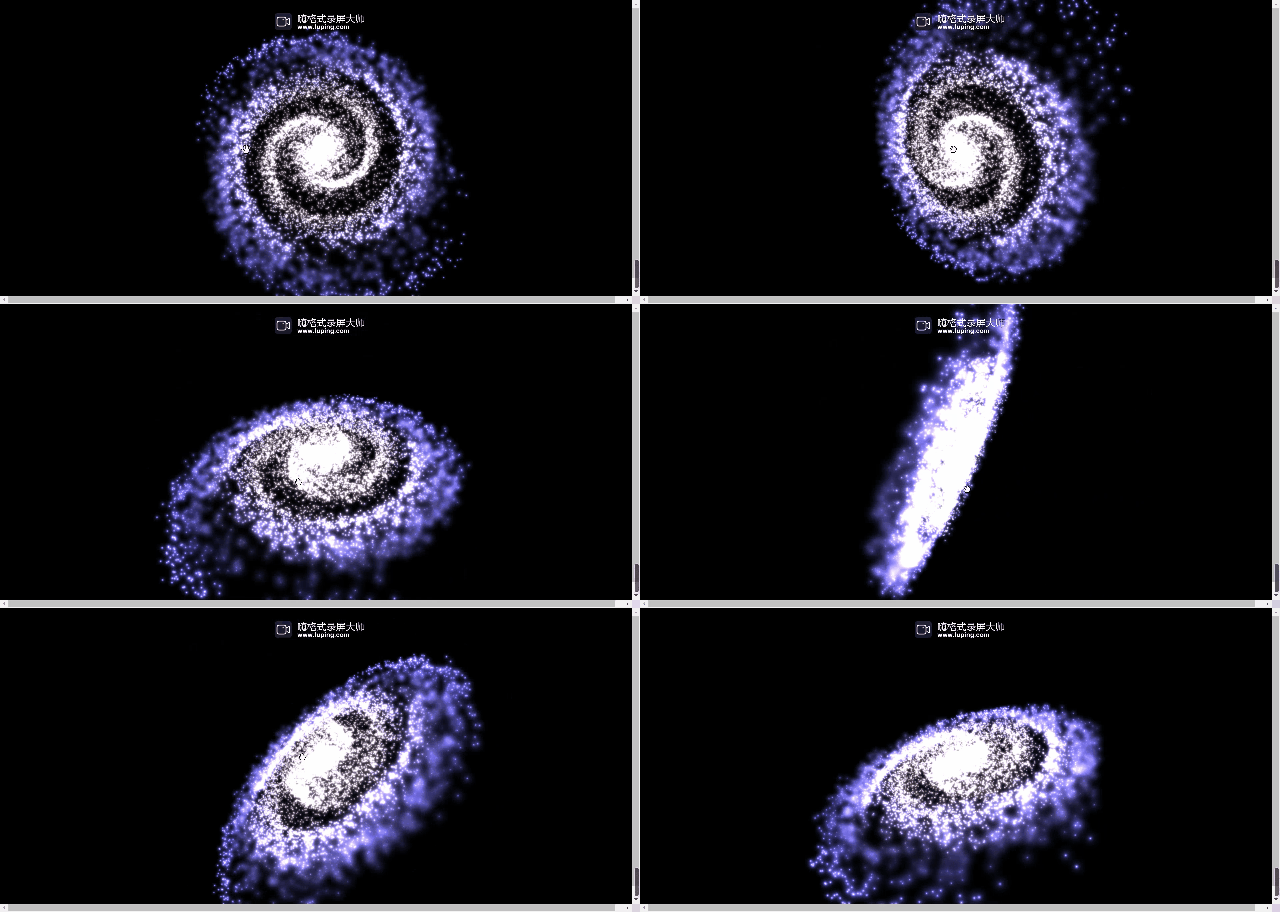
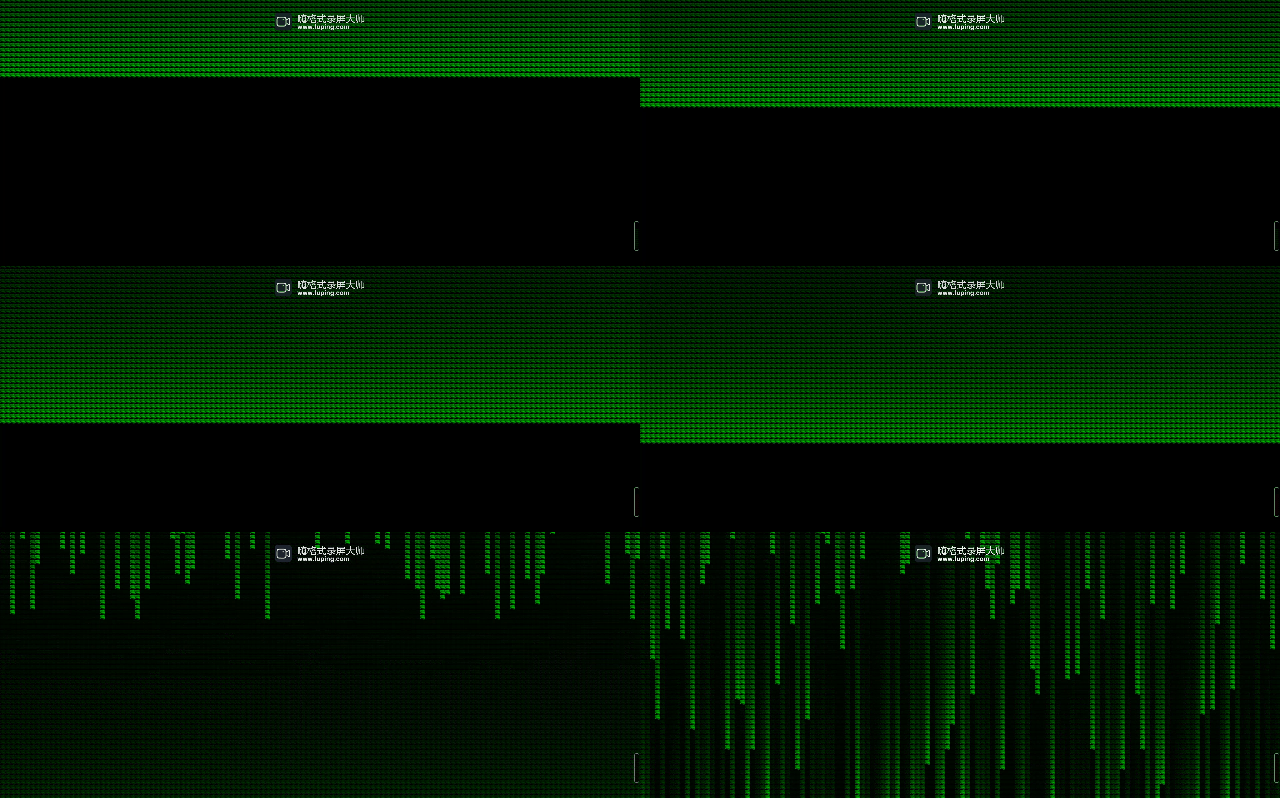
我们可以用一下好看的网页来表白,下面就有我觉得很有趣的表白代码。评论直接找我要源码也行。
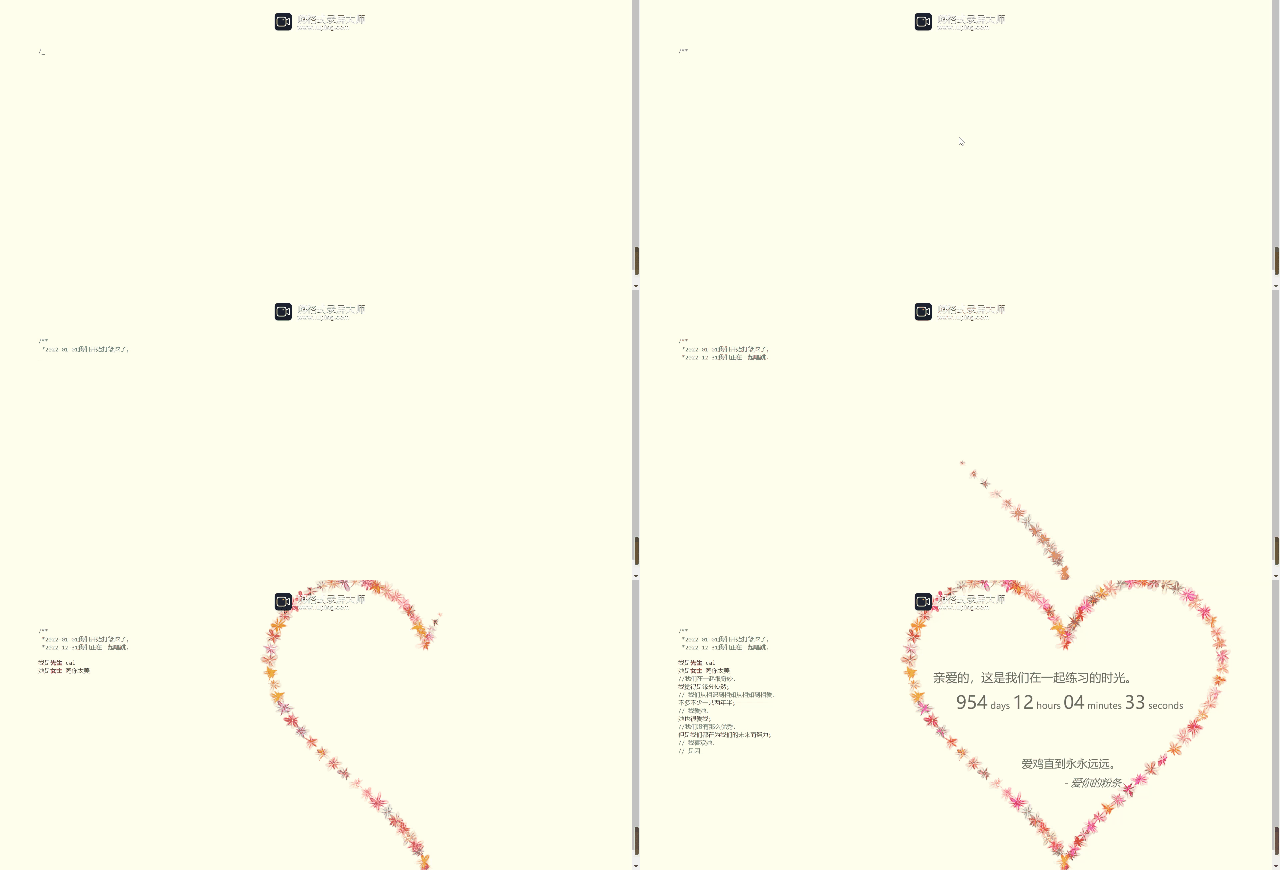

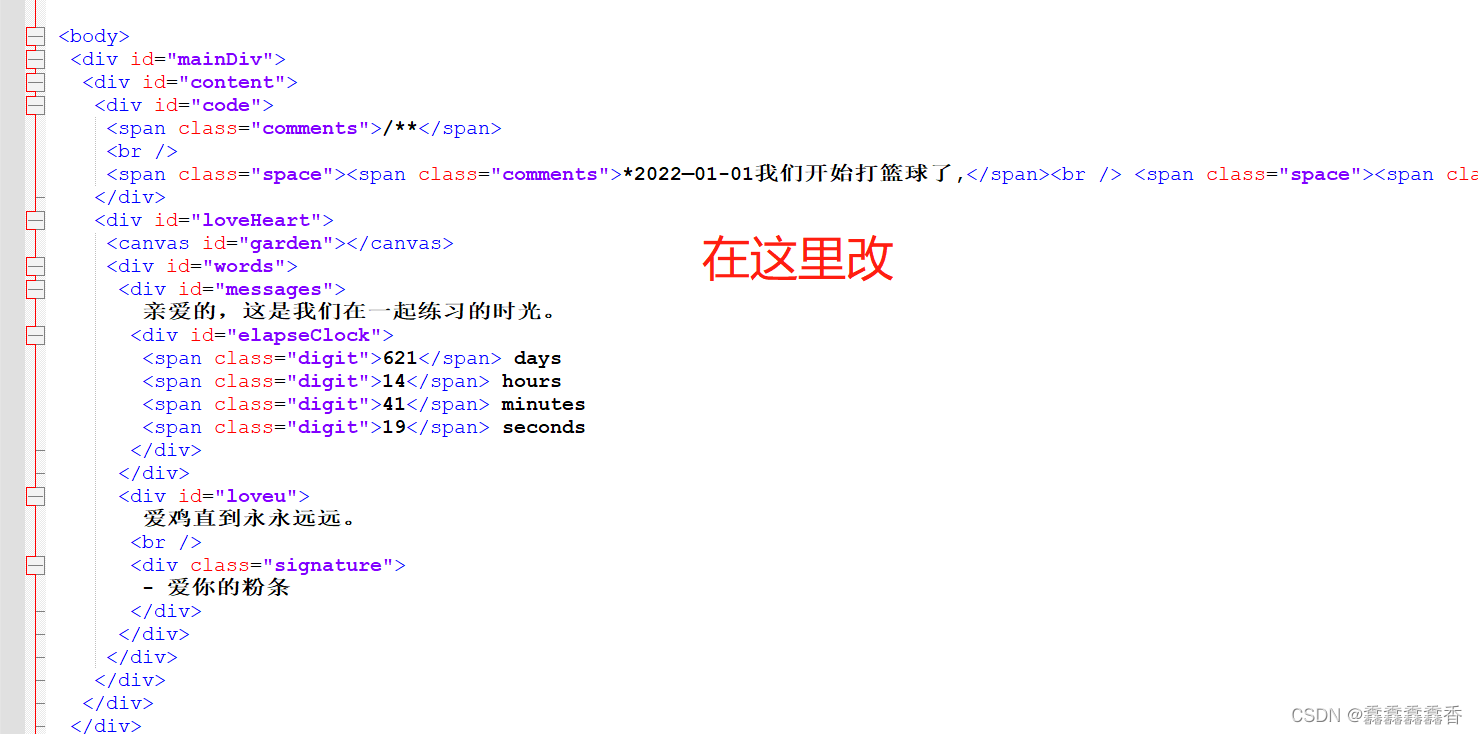

源码:新建一个文本文档,改后缀名为html,直接双击就行了。(
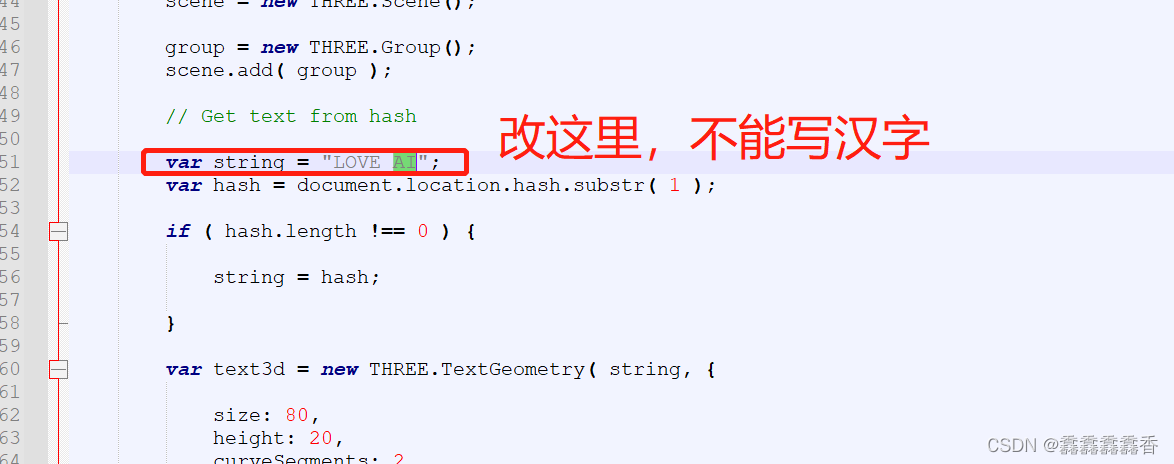
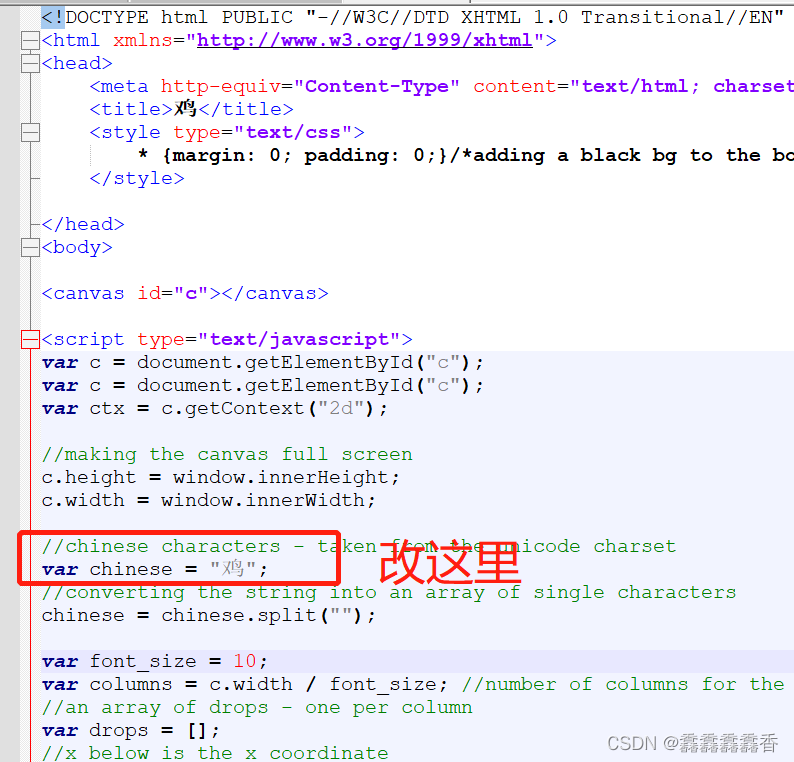
修改中间的字,在代码里有注释,是汉字注释),如果你的有问题,那就直接下载我的源码文件就行。
<!DOCTYPE html>
<html lang="en" >
<head>
<meta charset="UTF-8">
<title>surprised</title>
<link rel="stylesheet" href="css/style.css">
<style>
body {
  margin: 0;
  background: black;
}
canvas {
  position: absolute;
}
</style>
</head>
<body>
<canvas></canvas>
<canvas></canvas>
<canvas></canvas>
<script type="text/javascript">

// CLASSES
class Shard {
  constructor(x, y, hue) {
    this.x = x;
    this.y = y;
    this.hue = hue;
    this.lightness = 50;
    this.size = 15 + Math.random() * 10;
    const angle = Math.random() * 2 * Math.PI;
    const blastSpeed = 1 + Math.random() * 6;
    this.xSpeed = Math.cos(angle) * blastSpeed;
    this.ySpeed = Math.sin(angle) * blastSpeed;
    this.target = getTarget();
    this.ttl = 100;
    this.timer = 0;
  }
  draw() {
    ctx2.fillStyle = `hsl(${this.hue}, 100%, ${this.lightness}%)`;
    ctx2.beginPath();
    ctx2.arc(this.x, this.y, this.size, 0, 2 * Math.PI);
    ctx2.closePath();
    ctx2.fill();
  }
  update() {
    if (this.target) {
      const dx = this.target.x - this.x;
      const dy = this.target.y - this.y;
      const dist = Math.sqrt(dx * dx + dy * dy);
      const a = Math.atan2(dy, dx);
      const tx = Math.cos(a) * 5;
      const ty = Math.sin(a) * 5;
      this.size = lerp(this.size, 1.5, 0.05);

      if (dist < 5) {
        this.lightness = lerp(this.lightness, 100, 0.01);
        this.xSpeed = this.ySpeed = 0;
        this.x = lerp(this.x, this.target.x + fidelity / 2, 0.05);
        this.y = lerp(this.y, this.target.y + fidelity / 2, 0.05);
        this.timer += 1;
      } else
      if (dist < 10) {
        this.lightness = lerp(this.lightness, 100, 0.01);
        this.xSpeed = lerp(this.xSpeed, tx, 0.1);
        this.ySpeed = lerp(this.ySpeed, ty, 0.1);
        this.timer += 1;
      } else
      {
        this.xSpeed = lerp(this.xSpeed, tx, 0.02);
        this.ySpeed = lerp(this.ySpeed, ty, 0.02);
      }
    } else
    {
      this.ySpeed += 0.05;
      //this.xSpeed = lerp(this.xSpeed, 0, 0.1);
      this.size = lerp(this.size, 1, 0.05);

      if (this.y > c2.height) {
        shards.forEach((shard, idx) => {
          if (shard === this) {
            shards.splice(idx, 1);
          }
        });
      }
    }
    this.x = this.x + this.xSpeed;
    this.y = this.y + this.ySpeed;
  }}


class Rocket {
  constructor() {
    const quarterW = c2.width / 4;
    this.x = quarterW + Math.random() * (c2.width - quarterW);
    this.y = c2.height - 15;
    this.angle = Math.random() * Math.PI / 4 - Math.PI / 6;
    this.blastSpeed = 6 + Math.random() * 7;
    this.shardCount = 15 + Math.floor(Math.random() * 15);
    this.xSpeed = Math.sin(this.angle) * this.blastSpeed;
    this.ySpeed = -Math.cos(this.angle) * this.blastSpeed;
    this.hue = Math.floor(Math.random() * 360);
    this.trail = [];
  }
  draw() {
    ctx2.save();
    ctx2.translate(this.x, this.y);
    ctx2.rotate(Math.atan2(this.ySpeed, this.xSpeed) + Math.PI / 2);
    ctx2.fillStyle = `hsl(${this.hue}, 100%, 50%)`;
    ctx2.fillRect(0, 0, 5, 15);
    ctx2.restore();
  }
  update() {
    this.x = this.x + this.xSpeed;
    this.y = this.y + this.ySpeed;
    this.ySpeed += 0.1;
  }

  explode() {
    for (let i = 0; i < 70; i++) {
      shards.push(new Shard(this.x, this.y, this.hue));
    }
  }}


// INITIALIZATION
const [c1, c2, c3] = document.querySelectorAll('canvas');
const [ctx1, ctx2, ctx3] = [c1, c2, c3].map(c => c.getContext('2d'));
let fontSize = 200;
const rockets = [];
const shards = [];
const targets = [];
const fidelity = 3;
let counter = 0;
c2.width = c3.width = window.innerWidth;
c2.height = c3.height = window.innerHeight;
ctx1.fillStyle = '#000';


//中间的字改这里
const text = '鸡你太美';

let textWidth = 99999999;

while (textWidth > window.innerWidth) {
  ctx1.font = `900 ${fontSize--}px Arial`;
  textWidth = ctx1.measureText(text).width;
}

c1.width = textWidth;
c1.height = fontSize * 1.5;
ctx1.font = `900 ${fontSize}px Arial`;
ctx1.fillText(text, 0, fontSize);
const imgData = ctx1.getImageData(0, 0, c1.width, c1.height);
for (let i = 0, max = imgData.data.length; i < max; i += 4) {
  const alpha = imgData.data[i + 3];
  const x = Math.floor(i / 4) % imgData.width;
  const y = Math.floor(i / 4 / imgData.width);

  if (alpha && x % fidelity === 0 && y % fidelity === 0) {
    targets.push({ x, y });
  }
}

//这里是修改字的颜色
ctx3.fillStyle = '#FFF';

ctx3.shadowColor = '#FFF';
ctx3.shadowBlur = 25;

// ANIMATION LOOP
(function loop() {
  ctx2.fillStyle = "rgba(0, 0, 0, .1)";
  ctx2.fillRect(0, 0, c2.width, c2.height);
  //ctx2.clearRect(0, 0, c2.width, c2.height);
  counter += 1;

  if (counter % 15 === 0) {
    rockets.push(new Rocket());
  }
  rockets.forEach((r, i) => {
    r.draw();
    r.update();
    if (r.ySpeed > 0) {
      r.explode();
      rockets.splice(i, 1);
    }
  });

  shards.forEach((s, i) => {
    s.draw();
    s.update();

    if (s.timer >= s.ttl || s.lightness >= 99) {
      ctx3.fillRect(s.target.x, s.target.y, fidelity + 1, fidelity + 1);
      shards.splice(i, 1);
    }
  });

  requestAnimationFrame(loop);
})();

// HELPER FUNCTIONS
const lerp = (a, b, t) => Math.abs(b - a) > 0.1 ? a + t * (b - a) : b;

function getTarget() {
  if (targets.length > 0) {
    const idx = Math.floor(Math.random() * targets.length);
    let { x, y } = targets[idx];
    targets.splice(idx, 1);

    x += c2.width / 2 - textWidth / 2;
    y += c2.height / 2 - fontSize / 2;

    return { x, y };
  }
}
</script>
</body>
</html>
右侧的空地,点击鼠标就会放烟花,下面的都不放源码了,都在在我的 。下载整套表白文件
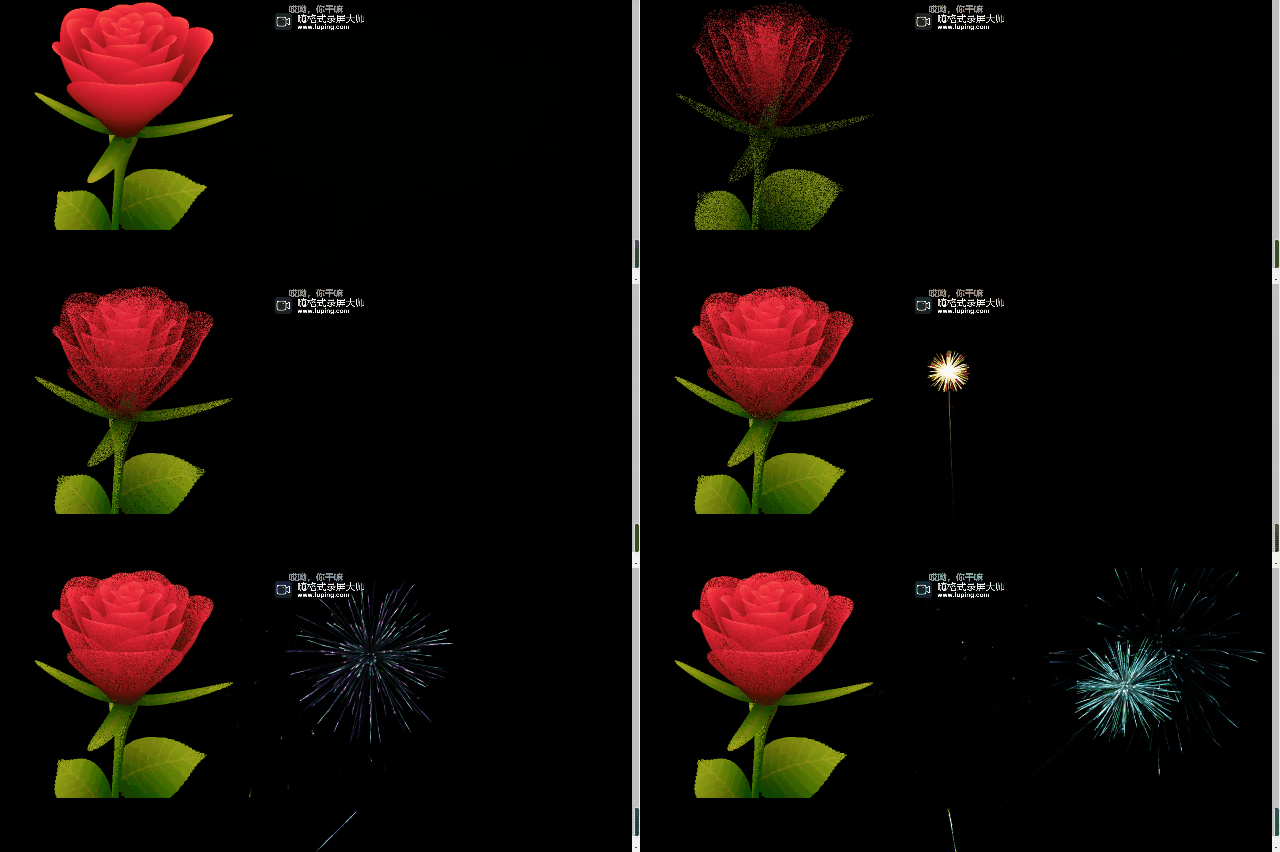
每一次刷新颜色都会不一样,包括中间的字
我想将html转换为纯文本。不过,我不想只删除标签,我想智能地保留尽可能多的格式。为插入换行符标签,检测段落并格式化它们等。输入非常简单,通常是格式良好的html(不是整个文档,只是一堆内容,通常没有anchor或图像)。我可以将几个正则表达式放在一起,让我达到80%,但我认为可能有一些现有的解决方案更智能。 最佳答案 首先,不要尝试为此使用正则表达式。很有可能你会想出一个脆弱/脆弱的解决方案,它会随着HTML的变化而崩溃,或者很难管理和维护。您可以使用Nokogiri快速解析HTML并提取文本:require'nokogiri'h
如何在buildr项目中使用Ruby?我在很多不同的项目中使用过Ruby、JRuby、Java和Clojure。我目前正在使用我的标准Ruby开发一个模拟应用程序,我想尝试使用Clojure后端(我确实喜欢功能代码)以及JRubygui和测试套件。我还可以看到在未来的不同项目中使用Scala作为后端。我想我要为我的项目尝试一下buildr(http://buildr.apache.org/),但我注意到buildr似乎没有设置为在项目中使用JRuby代码本身!这看起来有点傻,因为该工具旨在统一通用的JVM语言并且是在ruby中构建的。除了将输出的jar包含在一个独特的、仅限ruby
在rails源中:https://github.com/rails/rails/blob/master/activesupport/lib/active_support/lazy_load_hooks.rb可以看到以下内容@load_hooks=Hash.new{|h,k|h[k]=[]}在IRB中,它只是初始化一个空哈希。和做有什么区别@load_hooks=Hash.new 最佳答案 查看rubydocumentationforHashnew→new_hashclicktotogglesourcenew(obj)→new_has
在我的Controller中,我通过以下方式在我的index方法中支持HTML和JSON:respond_todo|format|format.htmlformat.json{renderjson:@user}end在浏览器中拉起它时,它会自然地以HTML呈现。但是,当我对/user资源进行内容类型为application/json的curl调用时(因为它是索引方法),我仍然将HTML作为响应。如何获取JSON作为响应?我还需要说明什么? 最佳答案 您应该将.json附加到请求的url,提供的格式在routes.rb的路径中定义。这
所以我在关注Railscast,我注意到在html.erb文件中,ruby代码有一个微弱的背景高亮效果,以区别于其他代码HTML文档。我知道Ryan使用TextMate。我正在使用SublimeText3。我怎样才能达到同样的效果?谢谢! 最佳答案 为SublimeText安装ERB包。假设您安装了SublimeText包管理器*,只需点击cmd+shift+P即可获得命令菜单,然后键入installpackage并选择PackageControl:InstallPackage获取包管理器菜单。在该菜单中,键入ERB并在看到包时选择
我的主要目标是能够完全理解我正在使用的库/gem。我尝试在Github上从头到尾阅读源代码,但这真的很难。我认为更有趣、更温和的踏脚石就是在使用时阅读每个库/gem方法的源代码。例如,我想知道RubyonRails中的redirect_to方法是如何工作的:如何查找redirect_to方法的源代码?我知道在pry中我可以执行类似show-methodmethod的操作,但我如何才能对Rails框架中的方法执行此操作?您对我如何更好地理解Gem及其API有什么建议吗?仅仅阅读源代码似乎真的很难,尤其是对于框架。谢谢! 最佳答案 Ru
我的假设是moduleAmoduleBendend和moduleA::Bend是一样的。我能够从thisblog找到解决方案,thisSOthread和andthisSOthread.为什么以及什么时候应该更喜欢紧凑语法A::B而不是另一个,因为它显然有一个缺点?我有一种直觉,它可能与性能有关,因为在更多命名空间中查找常量需要更多计算。但是我无法通过对普通类进行基准测试来验证这一点。 最佳答案 这两种写作方法经常被混淆。首先要说的是,据我所知,没有可衡量的性能差异。(在下面的书面示例中不断查找)最明显的区别,可能也是最著名的,是你的
几个月前,我读了一篇关于rubygem的博客文章,它可以通过阅读代码本身来确定编程语言。对于我的生活,我不记得博客或gem的名称。谷歌搜索“ruby编程语言猜测”及其变体也无济于事。有人碰巧知道相关gem的名称吗? 最佳答案 是这个吗:http://github.com/chrislo/sourceclassifier/tree/master 关于ruby-寻找通过阅读代码确定编程语言的rubygem?,我们在StackOverflow上找到一个类似的问题:
我正在使用Rails构建一个简单的聊天应用程序。当用户输入url时,我希望将其输出为html链接(即“url”)。我想知道在Ruby中是否有任何库或众所周知的方法可以做到这一点。如果没有,我有一些不错的正则表达式示例代码可以使用... 最佳答案 查看auto_linkRails提供的辅助方法。这会将所有URL和电子邮件地址变成可点击的链接(htmlanchor标记)。这是文档中的代码示例。auto_link("Gotohttp://www.rubyonrails.organdsayhellotodavid@loudthinking.
我目前正在使用以下方法获取页面的源代码:Net::HTTP.get(URI.parse(page.url))我还想获取HTTP状态,而无需发出第二个请求。有没有办法用另一种方法做到这一点?我一直在查看文档,但似乎找不到我要找的东西。 最佳答案 在我看来,除非您需要一些真正的低级访问或控制,否则最好使用Ruby的内置Open::URI模块:require'open-uri'io=open('http://www.example.org/')#=>#body=io.read[0,50]#=>"["200","OK"]io.base_ur