Wicket是一个Java Web框架,类似于ASP.NET。其特点在于对 Html 和代码进行了有效的分离(有利于程序员和美工的合作),基于规则的配置(减少了 XML 等配置文件的使用),学习曲线较低(开发方式与 C/S相似),更加易于调试(错误类型比较少,而且容易定位)。如果你对微软并不反感,可以把它看作 Java 平台上的 ASP.NET。
GeoServer使用了Wicket。
使用Wicket开发第一个程序:https://github.com/apache/netbeans-website/blob/master/netbeans.apache.org/src/content/kb/docs/web/quickstart-webapps-wicket_zh_CN.asciidoc
官方例子代码GitHub地址:
https://github.com/bitstorm/Wicket-tutorial-examples
Wicket中文开发指南:https://max.book118.com/html/2018/1105/8007030130001131.shtm
Wicket Github:https://github.com/apache/wicket
Wicket已经被Apache托管了
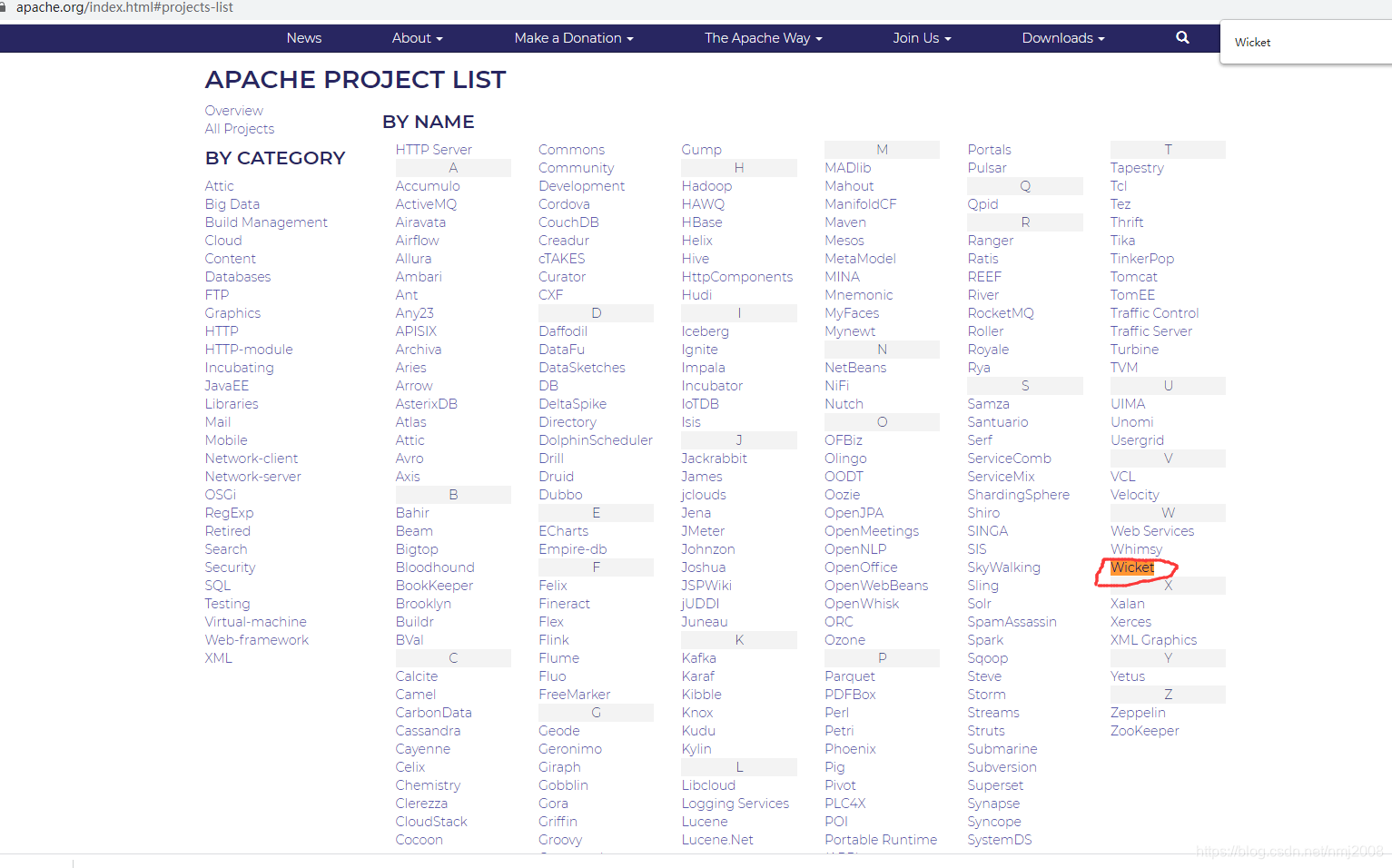
https://apache.org/index.html#projects-list
Quick Start快速上手指南
Use the following wizard to generate a Quick Start Project using Maven. Paste the generated command line into a shell (DOS prompt or unix shell) and create a project with Wicket in a jiffy.
The Quick Start Wizard uses Apache Maven to make it really fast to get started. You should have Maven installed and working before you can use the Quick Start wizard.
Use the following steps to quickly generate a project to get you started:
Start class in the src/test/java folderAnd you’re done!
Fill in your project details in the wizard below and copy the generated command line to your clipboard.
Group ID
Artifact ID
Wicket Version 9.4.0-SNAPSHOT 8.13.0-SNAPSHOT 7.19.0-SNAPSHOT 6.31.0-SNAPSHOT 1.5-SNAPSHOT 9.3.0 8.12.0 7.18.0 1.4.23 1.5.16 6.30.0
Server to deploy on Any but Wild Fly Wild Fly (JBoss 8.x)
generated command line
With the generated command line on your clipboard open up a terminal window (or DOS box) and navigate to where you want the project to be generated (e.g. for Eclipse users this would be your workspace folder). Paste the command line into your terminal window and press «enter» to execute the command.
Result of the Maven command
Executing the Maven command line will result the following directory structure:
.\myproject
    |   pom.xml
    |
    \---src
        +---main
        |   +---java
        |   |   \---com
        |   |       \---mycompany
        |   |               HomePage.html
        |   |               HomePage.java
        |   |               WicketApplication.java
        |   |
        |   +---resources
        |   |       log4j.properties
        |   |
        |   \---webapp
        |       \---WEB-INF
        |               web.xml
        |
        \---test
            \---java
                \---com
                    \---mycompany
                            Start.java
It might be different depending on your settings (and version of Wicket), but this is basically the standard layout for web projects.
The Wicket Quick Start uses Apache Maven to make it really fast to get started. You should have Maven installed and working before you can use the Quick Start wizard.
Eclipse has native support for Maven projects. To import the project you select “Import existing Maven project” from the File menu, and select the folder of your generated Quick Start project.
IntelliJ IDEA has native support for Maven projects. You just point the open project dialog to the place where you generated the Quick Start project and open the pom.xml file. IDEA will then open the project as any other Java project.
Netbeans has native support for Maven projects. You just point the open project dialog to the place where you generated the Quick Start project and open the pom.xml file. Netbeans will then open the project as any other Java project.
一、新建Wicket开始工程

二、使用Maven打开wicket-start创建的工程目录下的pom.xml


From here you can start hacking away at your application and wow your clients:
从这里开始你可以着力于你的应用程序,让你的客户惊叹:
Nothing says more about a development technology than a few simple examples. After all, how hard should it be to do something easy? The examples below should speak for themselves in demonstrating how easy it is to get things done in Wicket when compared to other frameworks. You will discover that Wicket’s component-oriented structure and its “low touch” approach to HTML is quite inviting.
没有什么比几个简单的例子更有说服力。毕竟,要做到如此轻松要有多难?下面的这些例子说明了在Wicket中做到这些事情有多么容易,尤其是对比其他的框架的话。你将会发现Wicket面向组件的结构以及与HTML低耦合是多么的诱人。
Wicket comes with a collection of examples meant to help you understand the basic concepts of the framework. They are particularly helpful if you are new to Wicket and you are reading our User Guide. You can see these examples and many more in live action (available also for version 8.x, 7.x and 6.x) without having to install anything.
The following list contains a full description for some of these examples:
Wicket-Bootstrap is a full-fledged project that provides integration between Wicket and the popular CSS and JS framework. The project site offers a complete showcase of the available features.
Wicket JQuery-UI integration provides full integration between Wicket and JQuery UI with many great-looking widgets ready to be used in your application.
类classAprivatedeffooputs:fooendpublicdefbarputs:barendprivatedefzimputs:zimendprotecteddefdibputs:dibendendA的实例a=A.new测试a.foorescueputs:faila.barrescueputs:faila.zimrescueputs:faila.dibrescueputs:faila.gazrescueputs:fail测试输出failbarfailfailfail.发送测试[:foo,:bar,:zim,:dib,:gaz].each{|m|a.send(m)resc
我有一个模型:classItem项目有一个属性“商店”基于存储的值,我希望Item对象对特定方法具有不同的行为。Rails中是否有针对此的通用设计模式?如果方法中没有大的if-else语句,这是如何干净利落地完成的? 最佳答案 通常通过Single-TableInheritance. 关于ruby-on-rails-Rails-子类化模型的设计模式是什么?,我们在StackOverflow上找到一个类似的问题: https://stackoverflow.co
我正在使用的第三方API的文档状态:"[O]urAPIonlyacceptspaddedBase64encodedstrings."什么是“填充的Base64编码字符串”以及如何在Ruby中生成它们。下面的代码是我第一次尝试创建转换为Base64的JSON格式数据。xa=Base64.encode64(a.to_json) 最佳答案 他们说的padding其实就是Base64本身的一部分。它是末尾的“=”和“==”。Base64将3个字节的数据包编码为4个编码字符。所以如果你的输入数据有长度n和n%3=1=>"=="末尾用于填充n%
我主要使用Ruby来执行此操作,但到目前为止我的攻击计划如下:使用gemsrdf、rdf-rdfa和rdf-microdata或mida来解析给定任何URI的数据。我认为最好映射到像schema.org这样的统一模式,例如使用这个yaml文件,它试图描述数据词汇表和opengraph到schema.org之间的转换:#SchemaXtoschema.orgconversion#data-vocabularyDV:name:namestreet-address:streetAddressregion:addressRegionlocality:addressLocalityphoto:i
为什么4.1%2返回0.0999999999999996?但是4.2%2==0.2。 最佳答案 参见此处:WhatEveryProgrammerShouldKnowAboutFloating-PointArithmetic实数是无限的。计算机使用的位数有限(今天是32位、64位)。因此计算机进行的浮点运算不能代表所有的实数。0.1是这些数字之一。请注意,这不是与Ruby相关的问题,而是与所有编程语言相关的问题,因为它来自计算机表示实数的方式。 关于ruby-为什么4.1%2使用Ruby返
它不等于主线程的binding,这个toplevel作用域是什么?此作用域与主线程中的binding有何不同?>ruby-e'putsTOPLEVEL_BINDING===binding'false 最佳答案 事实是,TOPLEVEL_BINDING始终引用Binding的预定义全局实例,而Kernel#binding创建的新实例>Binding每次封装当前执行上下文。在顶层,它们都包含相同的绑定(bind),但它们不是同一个对象,您无法使用==或===测试它们的绑定(bind)相等性。putsTOPLEVEL_BINDINGput
我可以得到Infinity和NaNn=9.0/0#=>Infinityn.class#=>Floatm=0/0.0#=>NaNm.class#=>Float但是当我想直接访问Infinity或NaN时:Infinity#=>uninitializedconstantInfinity(NameError)NaN#=>uninitializedconstantNaN(NameError)什么是Infinity和NaN?它们是对象、关键字还是其他东西? 最佳答案 您看到打印为Infinity和NaN的只是Float类的两个特殊实例的字符串
如果您尝试在Ruby中的nil对象上调用方法,则会出现NoMethodError异常并显示消息:"undefinedmethod‘...’fornil:NilClass"然而,有一个tryRails中的方法,如果它被发送到一个nil对象,它只返回nil:require'rubygems'require'active_support/all'nil.try(:nonexisting_method)#noNoMethodErrorexceptionanymore那么try如何在内部工作以防止该异常? 最佳答案 像Ruby中的所有其他对象
关闭。这个问题需要detailsorclarity.它目前不接受答案。想改进这个问题吗?通过editingthispost添加细节并澄清问题.关闭8年前。Improvethisquestion为什么SecureRandom.uuid创建一个唯一的字符串?SecureRandom.uuid#=>"35cb4e30-54e1-49f9-b5ce-4134799eb2c0"SecureRandom.uuid方法创建的字符串从不重复?
我刚刚被困在这个问题上一段时间了。以这个基地为例:moduleTopclassTestendmoduleFooendend稍后,我可以通过这样做在Foo中定义扩展Test的类:moduleTopmoduleFooclassSomeTest但是,如果我尝试通过使用::指定模块来最小化缩进:moduleTop::FooclassFailure这失败了:NameError:uninitializedconstantTop::Foo::Test这是一个错误,还是仅仅是Ruby解析变量名的方式的逻辑结果? 最佳答案 Isthisabug,or
