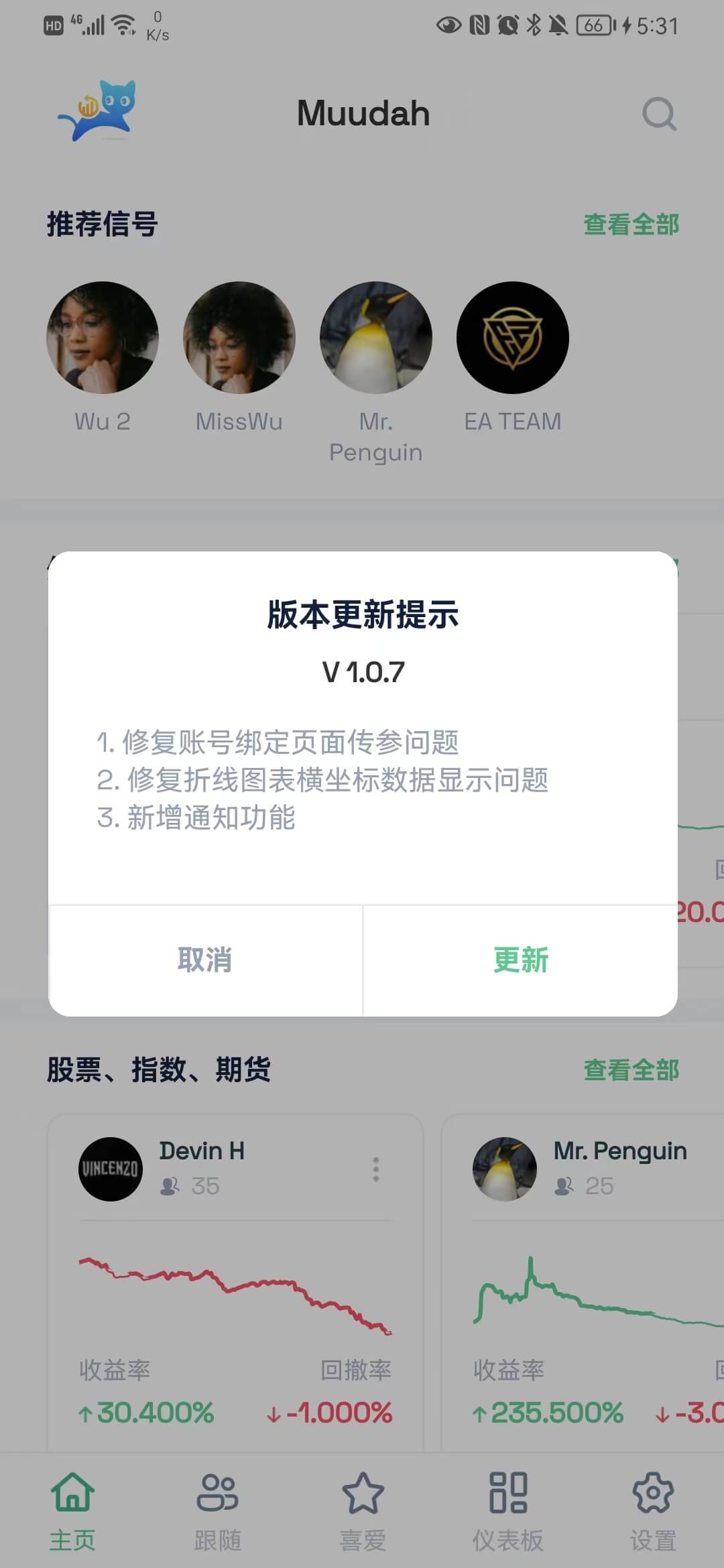
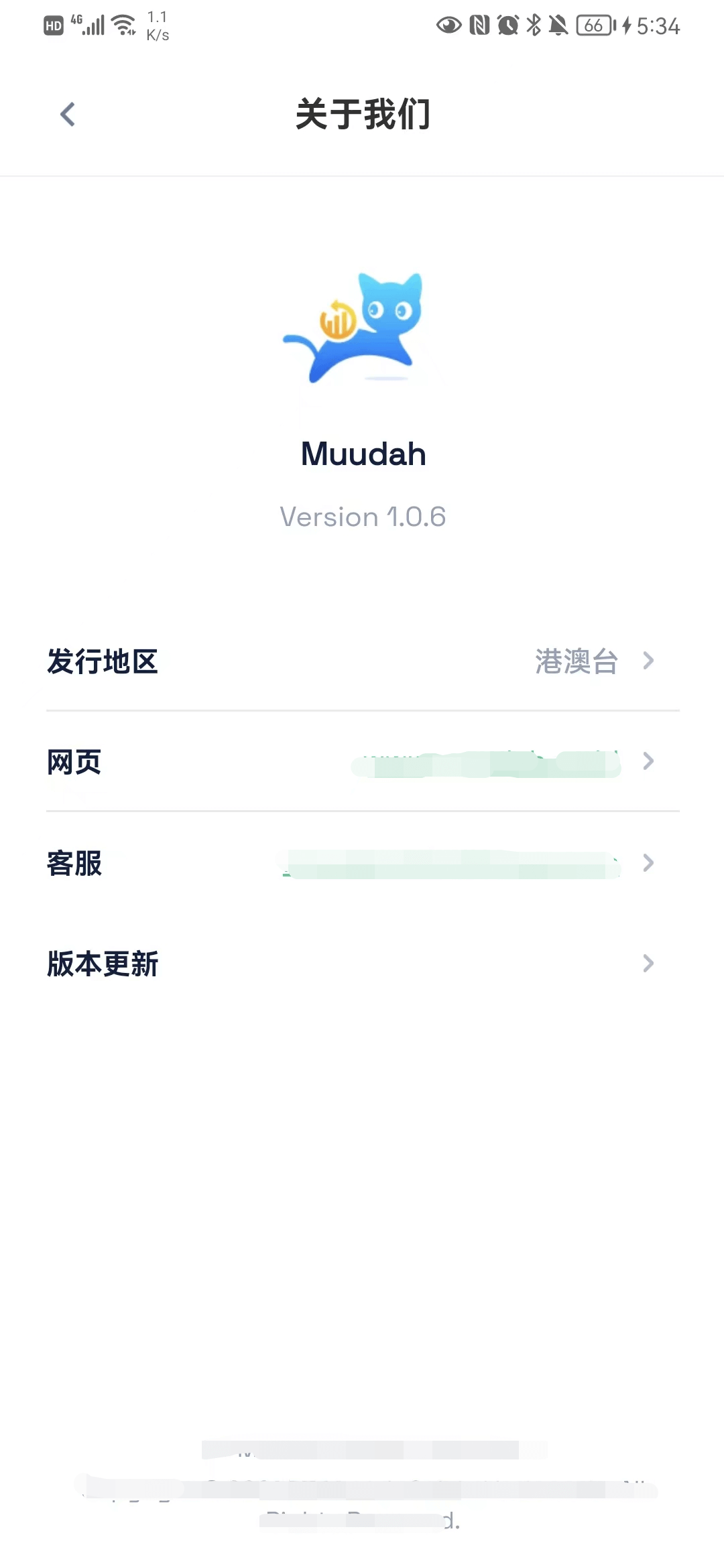
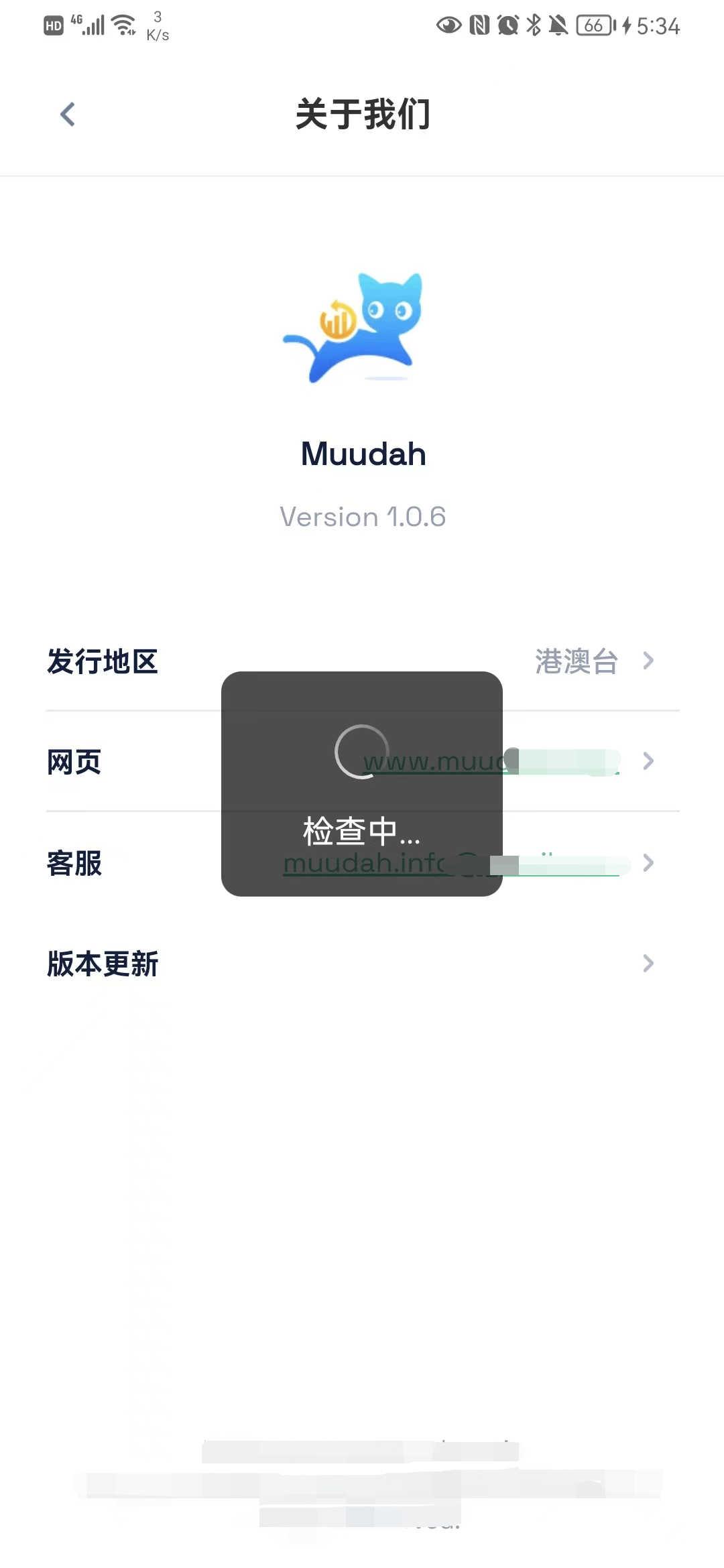
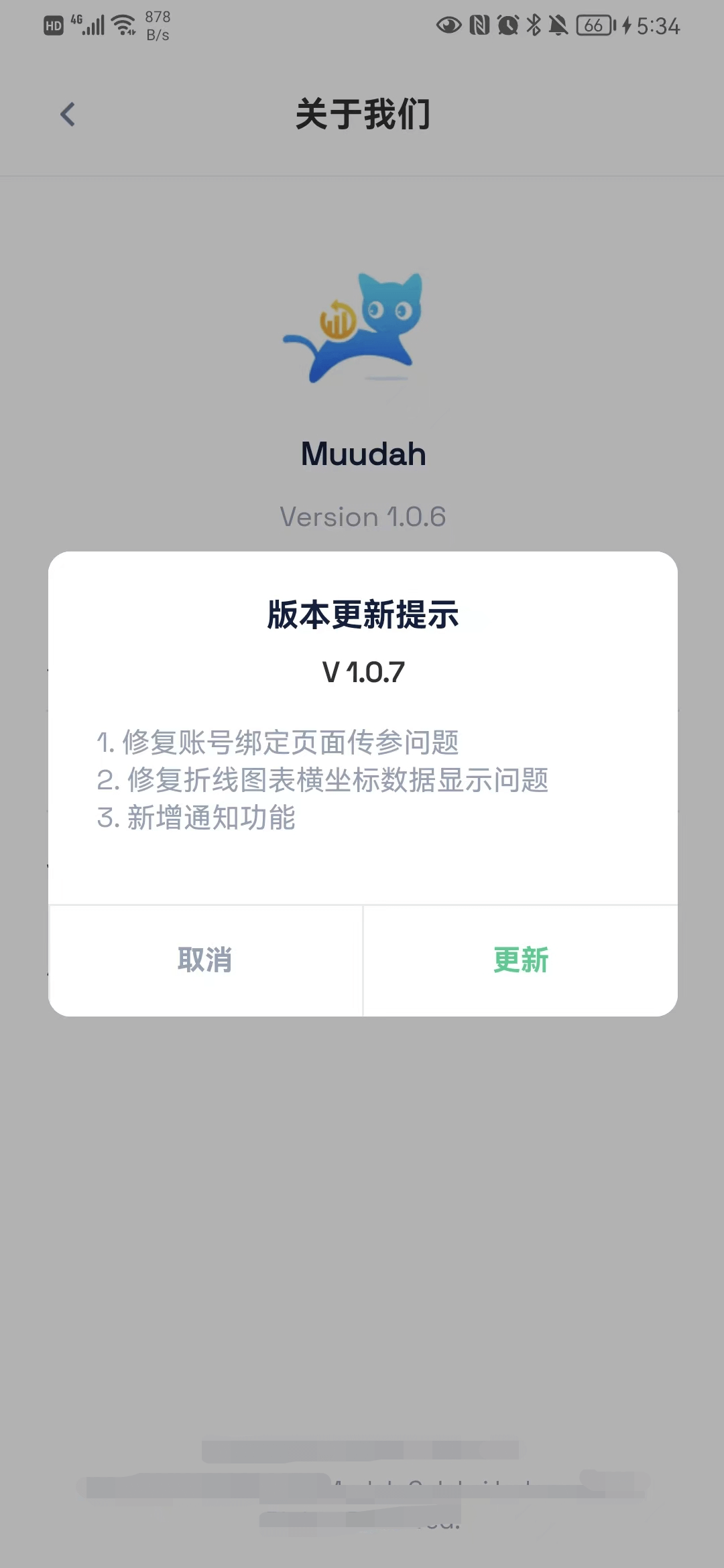
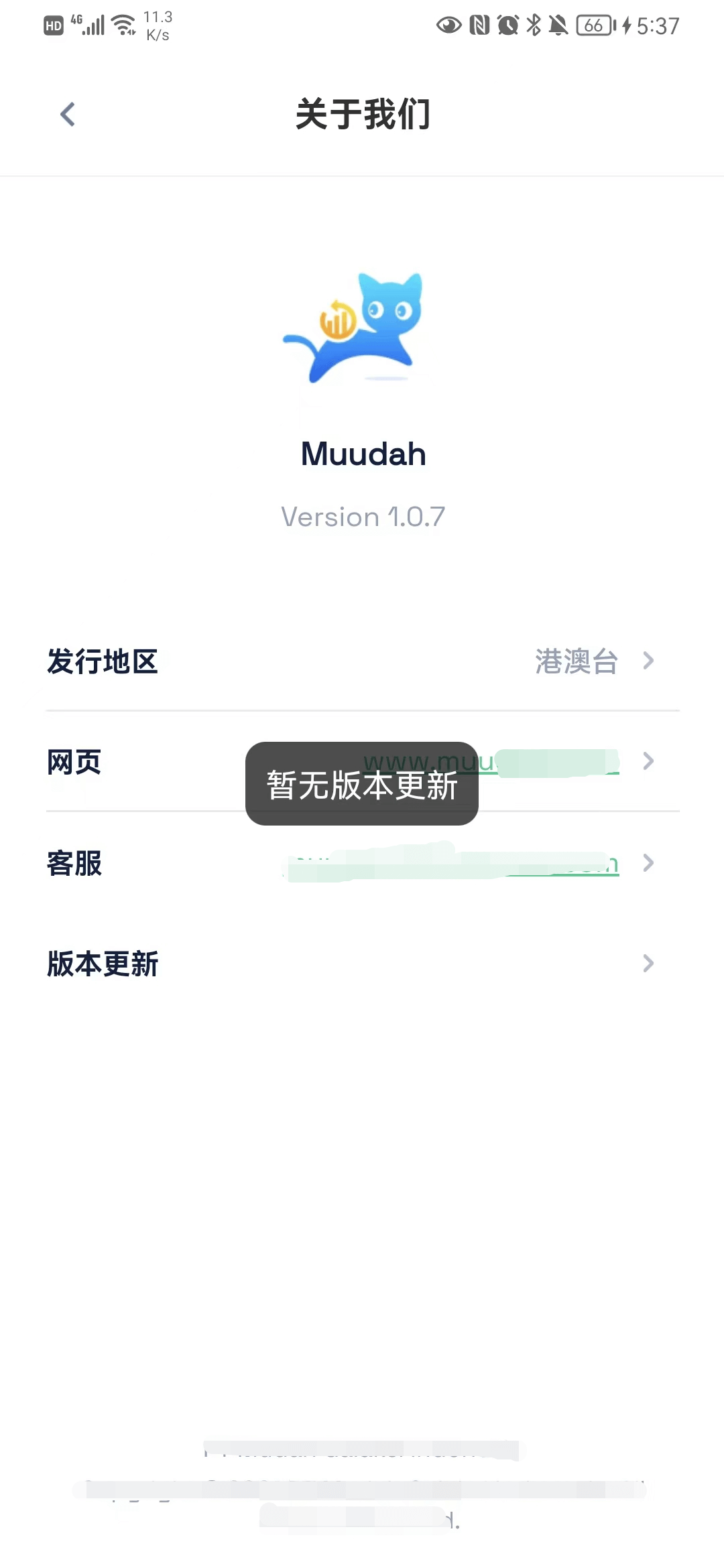
大致效果:
打开App,进入首页(首次),检测线上是否存在新版本,如果存在,弹窗提示用户是否进行版本更新。Android 有热更新和整包更新,若为热更新,更新完会自动重启;若为整包更新,则进入浏览器(如果上架了应用市场,对应逻辑可以写成跳转到应用市场)进行下载。ios 则只能跳转到App Store进行更新。
如果用户点了取消按钮,在使用 App 的过程中不会再进行弹窗提示,等到用户下次进入 App 才会重新提示。


| 字段 | 解释 |
|---|---|
| 更新包名称 | 更新包名称,例如:HK-IOS-1.0.0 |
| 更新包文件 | 上传的 apk、ipa、wgt 文件 |
| 更新包版本号 | 更新包版本号,必须大于上一次更新的版本号 |
| 客户群体 | 1 普通用户 、 2 会员 |
| 更新包类型 | ANDROID 、 IOS |
| 更新类型 | 否 、 整包更新 、 热更新 |
| 发行地区 | 港澳台 、 印尼 、 大陆 |
| 更新包描述 | zh(中文) 、 en(英文) 、 in(印尼语) |
这里的字段可根据自己的需求进行设计。
<template>
	<view class="tzy-version">
		<u-modal
            :value="updateVsb"
            :title="$t('version.versionUpdateTips')"
            :show-cancel-button="isShowCancelBtn"
            :cancel-text="$t('btn.cancel')"
            :confirm-text="$t('version.update')"
            @cancel="cancelUpdate"
            @confirm="updateConfirm">
            <view class="version-online">V {{ updateObj.version }}</view>
            <view class="model-version" slot-name="content">
                <scroll-view scroll-y="true" class="content-text">
                    <view class="content-text">
                        <u-input
                            v-model="targetDesc"
                            type="textarea"
                            :border="false"
                            :disabled="true"
                            :auto-height="true"
                            :customStyle="{ 'font-size': '14px', color: '#96a0b5',
                            'word-break': 'break-word !important' }"
                        />
                    </view>
                </scroll-view>
            </view>
        </u-modal>
    </view>
</template>
<script>
import config from '@/common/js/config.js';
import phoneInfo from '@/common/js/phone-info.js';
export default {
    props: {
        // 页面来源
        pageFrom: {
            type: String,
            default: 'Home'
        },
        // 是否显示弹窗
        updateVsb: {
            type: Boolean,
            default: false
        },
        // 是否显示取消按钮
        isShowCancelBtn: {
            type: Boolean,
            default: true
        },
        updateObj: {
            type: Object,
            default: () => {}
        },
        targetDesc: {
            type: String,
            default: ''
        }
    },
    methods: {
        cancelUpdate() {
            if (this.pageFrom == 'Home') {
                uni.setStorageSync('cancelUpdate', 'true');
            }
            this.$emit('cancelClickEvent');
        },
        updateConfirm() {
            // 下载更新包
            const platform = phoneInfo.systemInfo.platform.toLowerCase();
            const url = config.uploadUrl + this.updateObj.url;
            const type = this.updateObj.type;
            // type仅为我司定义
            if (type == 1) {
                this.$emit('cancelClickEvent');
                uni.setStorageSync('cancelUpdate', 'true');
                uni.setStorageSync('widgetInfo', {});
                // 整包
                if (platform == 'android') {
                    // 安卓打开网页下载
                    plus.runtime.openURL(url);
                } else {
                    // ios打开应用商店 https://appstoreconnect.apple.com/
                    // apple id  在 app conection 上传的位置可以看到
                    const appleId = 'xxxxxx'; // 这里替换成你的 apple id
                    plus.runtime.launchApplication({
                            action: `itms-apps://itunes.apple.com/cn/app/id${appleId}?mt=8`
                        },
                        function(e) {
                            console.log('Open system default browser failed: ' + e.message);
                        }
                    );
                }
            } else if (type == 2) {
                //热更新
                console.log('热更新。。。。。。。。', url);
                plus.nativeUI.showWaiting(this.$t('dataDesc.updating'));
                uni.downloadFile({
                    url: url,
                    success: downloadResult => {
                        if (downloadResult.statusCode === 200) {
                            plus.runtime.install(
                                downloadResult.tempFilePath, {
                                    force: false
                                },
                                function() {
                                    console.log('install success...');
                                    plus.nativeUI.closeWaiting();
                                    // 更新版本信息
                                    uni.setStorageSync('widgetInfo', {});
                                    plus.runtime.restart();
                                },
                                function(e) {
                                    console.error('install fail...');
                                    plus.nativeUI.closeWaiting();
                                }
                            );
                        }
                    },
                    fail: error => {
                        console.log(error);
                    }
                });
            }
        }
    }
};
</script>
<style lang="scss" scoped>
	.version-online {
		text-align: center;
		font-size: 14px;
		font-weight: 600;
		margin-top: 10px;
	}

	.content-text {
		max-height: 280px;
	}

	.model-version {
		padding: 12px 24px 30px;
		font-size: 14px;
		color: $cat_text_normal;
	}

	.desc-font {
		font-size: 14px !important;
		color: #96a0b5 !important;
		word-break: break-all !important;
	}
</style>
<template>
	<view>
		<!-- 热更新组件 仅APP显示-->
        <!-- #ifdef APP-PLUS -->
        <versionUpdate
            pageFrom="Home"
            :updateVsb="updateVsb"
            :updateObj="updateObj"
            :targetDesc="targetDesc"
            @cancelClickEvent="cancelClickEvent">
        </versionUpdate>
        <!-- #endif -->
    </view>
</template>
<script>
    import { clientVersionQuery } from '@/api/client.js';
    import versionUpdate from '@/components/muudah-version/index.vue';
    export default {
        name: 'Home',
        components: {
            versionUpdate
        },
        data() {
            return {
                updateObj: {
                    url: '',
                    type: '',
                    version: ''
                },
                updateVsb: false,
                targetDesc: '', // 版本更新描述
            };
        },
        methods: {
            getUpdate() {
                //当前版本号 转化为数字
                const tar_version = versionToNum(phoneInfo.manifestInfo.version);
                // android || ios
                const platform = phoneInfo.systemInfo.platform.toLowerCase() == 'ios' ? 'IOS' : 'ANDROID';
                const version_to = this.versionTo; // 发行地区
                // 这里调接口 是否检测到版本更新
                clientVersion({
                    client_type: platform,
                    client_area: version_to
                }).then(res => {
                    const {
                        Code,
                        data,
                        sdk_path
                    } = res;
                    if (Code == 0 && sdk_path != '' && data.client_version != '') {
                        // 线上的版本 转化为数字
                        const versin_online = versionToNum(data.client_version);
                        if (versin_online > tar_version && data.update_status > 0) {
                            this.updateObj.url = sdk_path;
                            this.updateObj.type = data.update_status;
                            this.updateObj.version = data.client_version;
                            // "update_status": 更新类型. 0: 否, 1: 整包更新, 2: 热更新
                            const desc_str = eval('(' + data.desc + ')');
                            // 这里根据语言包显示语言
                            this.targetDesc = desc_str[this.language];
                            this.updateVsb = true;
                        }
                    }
                });
            },
            cancelClickEvent() {
                this.updateVsb = false;
            }
        }
    }
</script>
<script>
    import phoneInfo from '@/common/js/phone-info.js'; // 这里面保存了 设备的基本信息
    export default {
        onLaunch: function() {
            // 获取设备基本信息
            uni.getSystemInfo({
                success: res => {
                    phoneInfo.systemInfo = res;
                }
            });
            // #ifdef APP-PLUS
            plus.screen.lockOrientation('portrait-primary'); //锁定屏幕方向
            uni.setStorageSync('cancelUpdate', 'false'); // 进来APP 重置更新弹窗
            // 获取App 当前版本号
            if (Object.keys(uni.getStorageSync('widgetInfo')).length == 0) {
                plus.runtime.getProperty(plus.runtime.appid, widgetInfo => {
                    phoneInfo.manifestInfo = widgetInfo;
                    uni.setStorageSync('widgetInfo', widgetInfo);
                });
            }
            //#endif
        }
    };
</script>
最后,你还可以尝试了解 App升级中心 uni-upgrade-center 。
给定这段代码defcreate@upgrades=User.update_all(["role=?","upgraded"],:id=>params[:upgrade])redirect_toadmin_upgrades_path,:notice=>"Successfullyupgradeduser."end我如何在该操作中实际验证它们是否已保存或未重定向到适当的页面和消息? 最佳答案 在Rails3中,update_all不返回任何有意义的信息,除了已更新的记录数(这可能取决于您的DBMS是否返回该信息)。http://ar.ru
在MRIRuby中我可以这样做:deftransferinternal_server=self.init_serverpid=forkdointernal_server.runend#Maketheserverprocessrunindependently.Process.detach(pid)internal_client=self.init_client#Dootherstuffwithconnectingtointernal_server...internal_client.post('somedata')ensure#KillserverProcess.kill('KILL',
我将应用程序升级到Rails4,一切正常。我可以登录并转到我的编辑页面。也更新了观点。使用标准View时,用户会更新。但是当我添加例如字段:name时,它不会在表单中更新。使用devise3.1.1和gem'protected_attributes'我需要在设备或数据库上运行某种更新命令吗?我也搜索过这个地方,找到了许多不同的解决方案,但没有一个会更新我的用户字段。我没有添加任何自定义字段。 最佳答案 如果您想允许额外的参数,您可以在ApplicationController中使用beforefilter,因为Rails4将参数
我收到这个错误:RuntimeError(自动加载常量Apps时检测到循环依赖当我使用多线程时。下面是我的代码。为什么会这样?我尝试多线程的原因是因为我正在编写一个HTML抓取应用程序。对Nokogiri::HTML(open())的调用是一个同步阻塞调用,需要1秒才能返回,我有100,000多个页面要访问,所以我试图运行多个线程来解决这个问题。有更好的方法吗?classToolsController0)app.website=array.join(',')putsapp.websiteelseapp.website="NONE"endapp.saveapps=Apps.order("
我是Google云的新手,我正在尝试对其进行首次部署。我的第一个部署是RubyonRails项目。我基本上是在关注thisguideinthegoogleclouddocumentation.唯一的区别是我使用的是我自己的项目,而不是他们提供的“helloworld”项目。这是我的app.yaml文件runtime:customvm:trueentrypoint:bundleexecrackup-p8080-Eproductionconfig.ruresources:cpu:0.5memory_gb:1.3disk_size_gb:10当我转到我的项目目录并运行gcloudprevie
当我在我的Rails应用程序根目录中运行rakedoc:app时,API文档是使用/doc/README_FOR_APP作为主页生成的。我想向该文件添加.rdoc扩展名,以便它在GitHub上正确呈现。更好的是,我想将它移动到应用程序根目录(/README.rdoc)。有没有办法通过修改包含的rake/rdoctask任务在我的Rakefile中执行此操作?是否有某个地方可以查找可以修改的主页文件的名称?还是我必须编写一个新的Rake任务?额外的问题:Rails应用程序的两个单独文件/README和/doc/README_FOR_APP背后的逻辑是什么?为什么不只有一个?
我正在使用Postgres.app在OSX(10.8.3)上。我已经修改了我的PATH,以便应用程序的bin文件夹位于所有其他文件夹之前。Rammy:~phrogz$whichpg_config/Applications/Postgres.app/Contents/MacOS/bin/pg_config我已经安装了rvm并且可以毫无错误地安装pggem,但是当我需要它时我得到一个错误:Rammy:~phrogz$gem-v1.8.25Rammy:~phrogz$geminstallpgFetching:pg-0.15.1.gem(100%)Buildingnativeextension
最近因为项目需要,需要将Android手机系统自带的某个系统软件反编译并更改里面某个资源,并重新打包,签名生成新的自定义的apk,下面我来介绍一下我的实现过程。APK修改,分为以下几步:反编译解包,修改,重打包,修改签名等步骤。安卓apk修改准备工作1.系统配置好JavaJDK环境变量2.需要root权限的手机(针对系统自带apk,其他软件免root)3.Auto-Sign签名工具4.apktool工具安卓apk修改开始反编译本文拿Android系统里面的Settings.apk做demo,具体如何将apk获取出来在此就不过多介绍了,直接进入主题:按键win+R输入cmd,打开命令窗口,并将路
我正在尝试为我的iOS应用程序设置cocoapods但是当我执行命令时:sudogemupdate--system我收到错误消息:当前已安装最新版本。中止。当我进入cocoapods的下一步时:sudogeminstallcocoapods我在MacOS10.8.5上遇到错误:ERROR:Errorinstallingcocoapods:cocoapods-trunkrequiresRubyversion>=2.0.0.我在MacOS10.9.4上尝试了同样的操作,但出现错误:ERROR:Couldnotfindavalidgem'cocoapods'(>=0),hereiswhy:U
这太简单了,太荒谬了,我在任何地方都找不到关于它的任何信息,包括API文档和Rails源代码:我有一个:belongs_to关联,我开始理解当您没有关联时您在Controller中调用的正常模型方法与您有关联时调用的方法略有不同。例如,我的关联在创建Controller操作时运行良好:@user=current_user@building=Building.new(params[:building])respond_todo|format|if@user.buildings.create(params[:building])#etcetera但我找不到关于更新如何工作的文档:@user
