目录
Selenium是一个用于Web应用程序自动化测试工具。Selenium测试直接运行在浏览器中,就像真正的用户在
操作一样。支持的浏览器包括IE(7, 8, 9, 10, 11),Mozilla Firefox,Safari,Google Chrome,Opera等。
适用于自动化测试,js动态爬虫(破解反爬虫)等领域。
1)Selenium IDE:嵌入到Firefox浏览器中的一个插件,实现简单的浏览器操作录制与回放功能,主要用于快速创建BUG及重现脚本,可转化为多种语言
2)Selenium RC: 核心组件,支持多种不同语言编写自动化测试脚本,通过其服务器作为代理服务器去访问应用,达到测试的目的
3)Selenium WebDriver(重点):一个浏览器自动化框架,它接受命令并将它们发送到浏览器。它是通过特定于浏览器的驱动程序实现的。它直接与浏览器通信并对其进行控制。Selenium WebDriver支持各种编程语言,如Java、C# 、PHP、Python、Perl、Ruby
4)Selenium grid:测试辅助工具,用于做分布式测试,可以并行执行多个测试任务,提升测试效率。
1)开源、免费
2)多浏览器支持:FireFox、Chrome、IE、Opera、Edge;
3)多平台支持:Linux、Windows、MAC;
4)多语言支持:Java、Python、Ruby、C#、JavaScript、C++;
5)对Web页面有良好的支持;
6)简单(API 简单)、灵活(用开发语言驱动);
7)支持分布式测试用例执行。
http://chromedriver.storage.googleapis.com/index.html
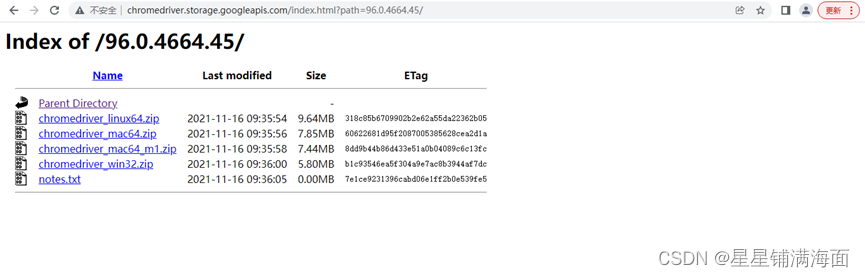
<dependency>
        <groupId>org.seleniumhq.selenium</groupId>
        <artifactId>selenium-java</artifactId>
        <version>3.141.59</version>
     </dependency>
package com.xnx.demo;

import org.openqa.selenium.By;
import org.openqa.selenium.WebDriver;
import org.openqa.selenium.WebElement;
import org.openqa.selenium.chrome.ChromeDriver;

import java.util.List;

/**
 * @author xnx
 * @create 2022-09-28 17:06
 */
public class Demo1 {
    public static void main(String[] args) {
        //设置驱动
        System.setProperty("webdriver.chrome.driver","D:\\chromedriver.exe");
        //创建驱动
        WebDriver driver=new ChromeDriver();
        //与将要爬取的网站建立连接
        driver.get("https://www.baidu.com");

//        1)Class选择:driver.findElement(By.className("s_ipt"));
//        通过类选择器拿到被控制的页面按钮元素
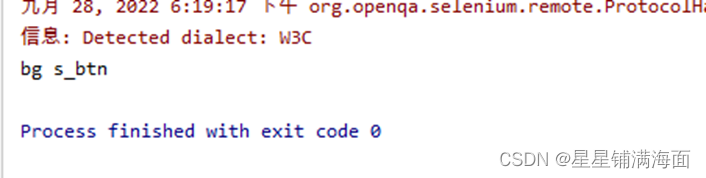
//        WebElement s_btn = driver.findElement(By.className("s_btn"));
//        System.out.println(s_btn.getAttribute("id"));
//        System.out.println(s_btn.getAttribute("value"));

//        2)ID选择:   driver.findElement(By.id("kw"));
//        通过id选择器拿到页面中的元素
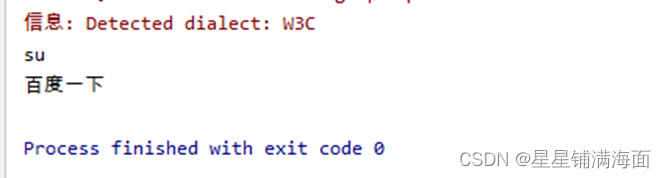
//        WebElement su = driver.findElement(By.id("su"));
//        System.out.println(su.getAttribute("class"));

//        3)name选择: driver.findElement(By.name("wd"));
//        System.out.println(driver.findElement(By.name("rqlang")).getAttribute("value"));

//        4)tag选择:  driver.findElements(By.tagName("input"));
//        获取到百度首页所有点击链接
//        List<WebElement> eles = driver.findElements(By.tagName("a"));
//        for (WebElement ele: eles) {
            ele指的是单个a标签
            大数据:数据采集、数据清洗、数据可视化
//            String text = ele.getText();
//            if(text != null && !"".equals(text.trim()))
//                System.out.println(ele.getText());
//        }

//        5)link选择: driver.findElement(By.linkText("地图"));
//        通过链接文本获取元素,模拟点击链接
//        driver.findElement(By.linkText("地图")).click();

//        6)Partial link选择(a标签文本内容模糊匹配):driver.findElement(By.partialLinkText("使用百"));
//        通过获取到所有包含3的链接地址
//        List<WebElement> eles = driver.findElements(By.partialLinkText("3"));
//        for (WebElement ele : eles){
//            System.out.println(ele.getText());
//        }

//        7)css选择器:driver.findElement(By.cssSelector("#kw"));
//        通过css选择器获取页面元素
//        WebElement ele = driver.findElement(By.cssSelector("#hotsearch-content-wrapper > li:nth-child(3) > a > span.title-content-title"));
//        System.out.println(ele.getText());

//        8)xpath选择:driver.findElement(By.xpath("//*[@id=\"kw\"]"));
//        /students/student/..
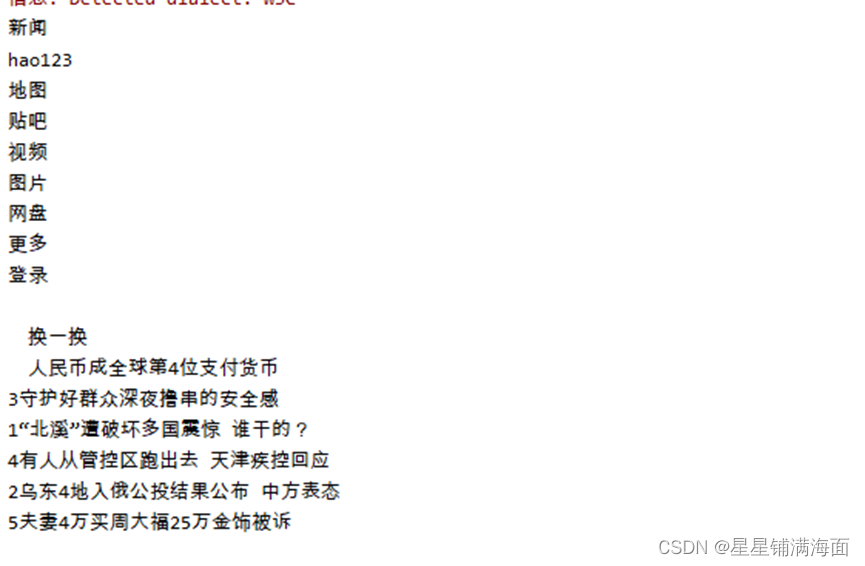
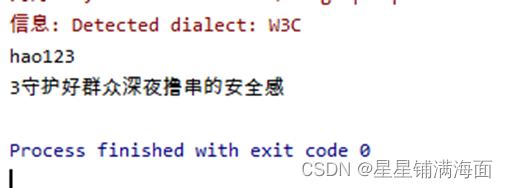
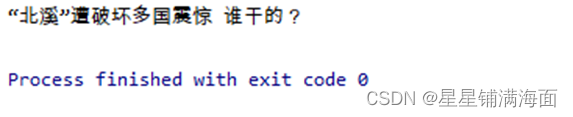
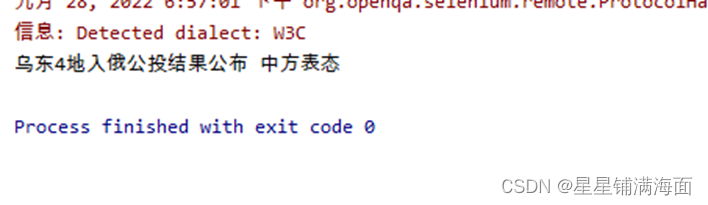
        WebElement ele = driver.findElement(By.xpath("//*[@id=\"hotsearch-content-wrapper\"]/li[5]/a/span[2]"));
        System.out.println(ele.getText());
    }
}

本文主要介绍在使用Selenium进行自动化测试或者任务时,对于使用了iframe的页面,如何定位iframe中的元素文章目录场景描述解决方案具体代码场景描述当我们在使用Selenium进行自动化测试的时候,可能会遇到一些界面或者窗体是使用HTML的iframe标签进行承载的。对于iframe中的标签,如果直接查找是无法找到的,会抛出没有找到元素的异常。比如近在咫尺的例子就是,CSDN的登录窗体就是使用的iframe,大家可以尝试通过F12开发者模式查看到的tag_name,class_name,id或者xpath来定位中的页面元素,会抛出NoSuchElementException异常。解决
我有一个使用SeleniumWebdriver和Nokogiri的Ruby应用程序。我想选择一个类,然后对于那个类对应的每个div,我想根据div的内容执行一个Action。例如,我正在解析以下页面:https://www.google.com/webhp?sourceid=chrome-instant&ion=1&espv=2&ie=UTF-8#q=puppies这是一个搜索结果页面,我正在寻找描述中包含“Adoption”一词的第一个结果。因此机器人应该寻找带有className:"result"的div,对于每个检查它的.descriptiondiv是否包含单词“adoption
我将Cucumber与Ruby结合使用。通过Selenium-Webdriver在Chrome中运行测试时,我想将下载位置更改为测试文件夹而不是用户下载文件夹。我当前的chrome驱动程序是这样设置的:Capybara.default_driver=:seleniumCapybara.register_driver:seleniumdo|app|Capybara::Selenium::Driver.new(app,:browser=>:chrome,desired_capabilities:{'chromeOptions'=>{'args'=>%w{window-size=1920,1
Asitcurrentlystands,thisquestionisnotagoodfitforourQ&Aformat.Weexpectanswerstobesupportedbyfacts,references,orexpertise,butthisquestionwilllikelysolicitdebate,arguments,polling,orextendeddiscussion.Ifyoufeelthatthisquestioncanbeimprovedandpossiblyreopened,visitthehelpcenter提供指导。9年前关闭。我打算学习Seleni
我一直在工作中使用seleniumIDE。现在我们决定将Seleniumwebdriver与Ruby结合使用。我完全不知道如何设置我的Mac,MacProYosemite10.10.5。在我的终端中,我运行了这些命令:$ruby-e"$(curl-fsSLhttps://raw.githubusercontent.com/Homebrew/install/master/install)"$brewdoctorYoursystemisreadytobrew.$brewinstallruby==>Summary/usr/local/Cellar/openssl/1.0.2d_1:464fi
我正在尝试使用ruby脚本进行一些headless测试。本质上,我在显示器:1上执行Xvfb,然后使用watir-webdriver启动Watir::Browser.new(:firefox)。如果您以root身份运行脚本,效果会很好-我可以运行x11vnc并观察脚本执行浏览器并与之交互。问题是,我需要能够从Rails应用程序调用这个ruby脚本,而不是以root身份运行它...如果我尝试以普通用户身份从命令行运行脚本,Xvfb会启动on:1像往常一样,但Watir不会启动浏览器......它最终会在60秒后超时。通过VNC连接会显示带有鼠标光标的黑屏。我可以从命令行完成所有操
出于某种原因,我必须为Firefox禁用javascript(手动,我们按照提到的步骤执行http://support.mozilla.org/en-US/kb/javascript-settings-for-interactive-web-pages#w_enabling-and-disabling-javascript)。使用Ruby的SeleniumWebDriver如何实现这一点? 最佳答案 是的,这是可能的。而是另一种方式。您首先需要查看链接Selenium::WebDriver::Firefox::Profile#[]=
我正在尝试使用Ruby中的SeleniumWebDriver2.4模拟鼠标移动如果我运行测试,是否应该看到鼠标在我的屏幕上移动?我很困惑。我试过很多不同的方法示例代码:require'selenium-webdriver'driver=Selenium::WebDriver.for:firefoxdriver.navigate.to'http://www.google.com'element=driver.find_element(:id,'gbqfba')那我试过了driver.action.move_to(element).performdriver.mouse.move_to(e
我正在使用TrixWYSIWYGeditor在我的应用程序中。对于我的capybara测试:我要填写编辑器。我找到了这篇文章:Howtotestbasecamp'stripeditor...这似乎很有希望。不幸的是,它一直给我这个错误:Selenium::WebDriver::Error::ElementNotVisibleError:elementnotvisible所以看起来Capybara发现元素没问题,但它只是没有与之交互,因为Capybara必须有一些默认设置才能不与隐藏/不可见元素交互。环顾四周后,我发现了这个Stackoverflow问题:Isitpossibletoin
我正在学习将Selenium用于基本操作,例如截屏、抓取和测试,并希望将其与headlessChrome一起使用,Chrome59现已稳定。我已经能够使用“selenium-webdriver”gem和chromedriver截取屏幕截图,但不是headless的。这是我正在运行的ruby脚本,它在开始初始化驱动程序后挂起require'rubygems'require'selenium-webdriver'Selenium::WebDriver.logger.level=:debugp'initializingdriver'driver=Selenium::WebDriver.f
