云原生之使用Docker部署docker-compose-ui工具
Docker Compose UI是Docker Compose的web界面。这个项目的目标是在Docker Compose之上提供一个最小的HTTP API,同时保持与Docker Compose CLI的完全互操作性。
[root@node ~]# cat /etc/os-release
NAME="CentOS Linux"
VERSION="7 (Core)"
ID="centos"
ID_LIKE="rhel fedora"
VERSION_ID="7"
PRETTY_NAME="CentOS Linux 7 (Core)"
ANSI_COLOR="0;31"
CPE_NAME="cpe:/o:centos:centos:7"
HOME_URL="https://www.centos.org/"
BUG_REPORT_URL="https://bugs.centos.org/"

CENTOS_MANTISBT_PROJECT="CentOS-7"
CENTOS_MANTISBT_PROJECT_VERSION="7"
REDHAT_SUPPORT_PRODUCT="centos"
REDHAT_SUPPORT_PRODUCT_VERSION="7"
[root@node ~]# systemctl status docker
● docker.service - Docker Application Container Engine
   Loaded: loaded (/usr/lib/systemd/system/docker.service; enabled; vendor preset: disabled)
   Active: active (running) since Mon 2022-10-31 03:28:51 CST; 1 day 20h ago
     Docs: https://docs.docker.com
 Main PID: 11884 (dockerd)
    Tasks: 44
   Memory: 2.8G
   CGroup: /system.slice/docker.service
           ├─ 11884 /usr/bin/dockerd -H fd:// --containerd=/run/containerd/containerd.sock
           ├─ 34936 /usr/bin/docker-proxy -proto tcp -host-ip 0.0.0.0 -host-port 8080 -container-ip 172.27.0.3 -container-port 80
           ├─ 34950 /usr/bin/docker-proxy -proto tcp -host-ip :: -host-port 8080 -container-ip 172.27.0.3 -container-port 80
           ├─114721 /usr/bin/docker-proxy -proto tcp -host-ip 0.0.0.0 -host-port 9000 -container-ip 172.17.0.2 -container-port 9000
           └─114726 /usr/bin/docker-proxy -proto tcp -host-ip :: -host-port 9000 -container-ip 172.17.0.2 -container-port 9000

Nov 01 21:17:48 node dockerd[11884]: time="2022-11-01T21:17:48.427273067+08:00" level=warning msg="Health check for container b5103772dd...xceeded"
Nov 01 21:21:48 node dockerd[11884]: time="2022-11-01T21:21:48.529083655+08:00" level=info msg="Download failed, retrying (4/5): read tc...med out"
Nov 01 21:21:49 node dockerd[11884]: time="2022-11-01T21:21:49.296992135+08:00" level=error msg="Download failed after 6 attempts: read ...med out"
Nov 01 21:21:49 node dockerd[11884]: time="2022-11-01T21:21:49.425397176+08:00" level=info msg="Download failed, retrying (5/5): read tc...med out"
Nov 01 21:22:21 node dockerd[11884]: time="2022-11-01T21:22:21.029219138+08:00" level=info msg="Download failed, retrying (5/5): Get \"https://p...
Nov 01 21:37:54 node dockerd[11884]: time="2022-11-01T21:37:54.734620680+08:00" level=error msg="Not continuing with pull after error: c...anceled"
Nov 01 21:37:54 node dockerd[11884]: time="2022-11-01T21:37:54.794229257+08:00" level=info msg="Layer sha256:a852daa2e2446c73035f696e296...aned up"
Nov 01 21:37:54 node dockerd[11884]: time="2022-11-01T21:37:54.794928818+08:00" level=info msg="Layer sha256:7c34f968f461da4902fc8d2701a...aned up"
Nov 01 21:37:54 node dockerd[11884]: time="2022-11-01T21:37:54.877304029+08:00" level=info msg="Layer sha256:cc75e066235799f16c60bcbb60f...aned up"
Nov 01 21:37:54 node dockerd[11884]: time="2022-11-01T21:37:54.887066340+08:00" level=info msg="Layer sha256:26313e93e01f00837688ac6674e...aned up"
Hint: Some lines were ellipsized, use -l to show in full.
[root@node ~]# docker pull francescou/docker-compose-ui:1.13.0
1.13.0: Pulling from francescou/docker-compose-ui
81033e7c1d6a: Pull complete
f7b44c57b95f: Pull complete
e7d127e5acc6: Pull complete
100078176fbd: Pull complete
a7af2069f244: Pull complete
df34fa004e36: Pull complete
3afbb4cd8f6c: Pull complete
c330a147c107: Pull complete
d13383bf9258: Pull complete
b5ecad9aaf9f: Pull complete
Digest: sha256:280598d201e4cb1215ec3c4ca043fddb377a5e2d4729e2c9ab23b34be510e5b6
Status: Downloaded newer image for francescou/docker-compose-ui:1.13.0
docker.io/francescou/docker-compose-ui:1.13.0
[root@node ~]# mkdir -p /data/compose-ui
[root@node ~]# cd /data/compose-ui/
[root@node compose-ui]# docker run -d --restart always --name docker-compose-ui -p 5000:5000 -w /opt/docker-compose-projects/ -v /var/run/docker.sock:/var/run/docker.sock francescou/docker-compose-ui:1.13.0
df6c0a3d1190d6743ff0b0b8ce1f40c21aa7d38f5a606a7aedc7286161b81627
[root@node compose-ui]# docker ps
CONTAINER ID   IMAGE                                 COMMAND                  CREATED         STATUS                  PORTS                                             NAMES
df6c0a3d1190   francescou/docker-compose-ui:1.13.0   "/env/bin/python /ap…"   2 minutes ago   Up About a minute       0.0.0.0:5000->5000/tcp, :::5000->5000/tcp         docker-compose-ui
[root@node compose-ui]# docker logs docker-compose-ui
INFO:root:docker-compose version 1.20.1, build 5d8c71b
docker-py version: 3.3.0
CPython version: 2.7.15
OpenSSL version: OpenSSL 1.0.2n  7 Dec 2017
INFO:root:{'node-redis': '/opt/docker-compose-projects/./node-redis', 'volumes-relative-paths': '/opt/docker-compose-projects/./volumes-relative-paths', 'env-demo': '/opt/docker-compose-projects/./env-demo', 'volumes-demo': '/opt/docker-compose-projects/./volumes-demo', 'hello-node': '/opt/docker-compose-projects/./hello-node'}
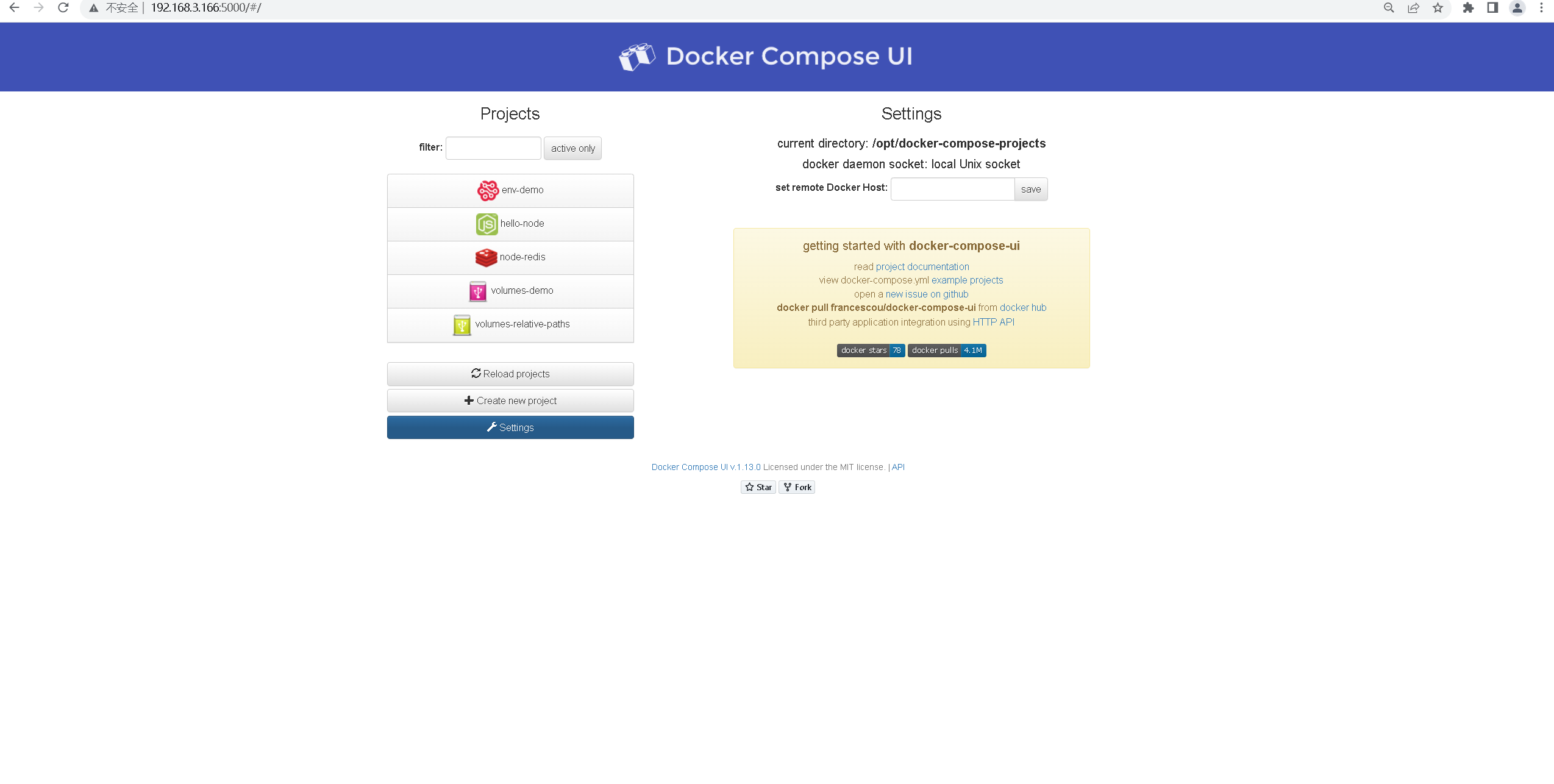
INFO:werkzeug: * Running on http://0.0.0.0:5000/ (Press CTRL+C to quit)
[root@node compose-ui]# docker ps -a
CONTAINER ID   IMAGE                                  COMMAND                  CREATED          STATUS                    PORTS                                             NAMES
5a86a960f2e4   ghcr.io/linuxserver/dillinger:latest   "/init"                  19 seconds ago   Up 16 seconds             0.0.0.0:8015->8080/tcp, :::8015->8080/tcp         dillinger
我正在学习如何使用Nokogiri,根据这段代码我遇到了一些问题:require'rubygems'require'mechanize'post_agent=WWW::Mechanize.newpost_page=post_agent.get('http://www.vbulletin.org/forum/showthread.php?t=230708')puts"\nabsolutepathwithtbodygivesnil"putspost_page.parser.xpath('/html/body/div/div/div/div/div/table/tbody/tr/td/div
我有一个Ruby程序,它使用rubyzip压缩XML文件的目录树。gem。我的问题是文件开始变得很重,我想提高压缩级别,因为压缩时间不是问题。我在rubyzipdocumentation中找不到一种为创建的ZIP文件指定压缩级别的方法。有人知道如何更改此设置吗?是否有另一个允许指定压缩级别的Ruby库? 最佳答案 这是我通过查看rubyzip内部创建的代码。level=Zlib::BEST_COMPRESSIONZip::ZipOutputStream.open(zip_file)do|zip|Dir.glob("**/*")d
类classAprivatedeffooputs:fooendpublicdefbarputs:barendprivatedefzimputs:zimendprotecteddefdibputs:dibendendA的实例a=A.new测试a.foorescueputs:faila.barrescueputs:faila.zimrescueputs:faila.dibrescueputs:faila.gazrescueputs:fail测试输出failbarfailfailfail.发送测试[:foo,:bar,:zim,:dib,:gaz].each{|m|a.send(m)resc
很好奇,就使用rubyonrails自动化单元测试而言,你们正在做什么?您是否创建了一个脚本来在cron中运行rake作业并将结果邮寄给您?git中的预提交Hook?只是手动调用?我完全理解测试,但想知道在错误发生之前捕获错误的最佳实践是什么。让我们理所当然地认为测试本身是完美无缺的,并且可以正常工作。下一步是什么以确保他们在正确的时间将可能有害的结果传达给您? 最佳答案 不确定您到底想听什么,但是有几个级别的自动代码库控制:在处理某项功能时,您可以使用类似autotest的内容获得关于哪些有效,哪些无效的即时反馈。要确保您的提
假设我做了一个模块如下:m=Module.newdoclassCendend三个问题:除了对m的引用之外,还有什么方法可以访问C和m中的其他内容?我可以在创建匿名模块后为其命名吗(就像我输入“module...”一样)?如何在使用完匿名模块后将其删除,使其定义的常量不再存在? 最佳答案 三个答案:是的,使用ObjectSpace.此代码使c引用你的类(class)C不引用m:c=nilObjectSpace.each_object{|obj|c=objif(Class===objandobj.name=~/::C$/)}当然这取决于
我正在尝试使用ruby和Savon来使用网络服务。测试服务为http://www.webservicex.net/WS/WSDetails.aspx?WSID=9&CATID=2require'rubygems'require'savon'client=Savon::Client.new"http://www.webservicex.net/stockquote.asmx?WSDL"client.get_quotedo|soap|soap.body={:symbol=>"AAPL"}end返回SOAP异常。检查soap信封,在我看来soap请求没有正确的命名空间。任何人都可以建议我
我正在使用i18n从头开始构建一个多语言网络应用程序,虽然我自己可以处理一大堆yml文件,但我说的语言(非常)有限,最终我想寻求外部帮助帮助。我想知道这里是否有人在使用UI插件/gem(与django上的django-rosetta不同)来处理多个翻译器,其中一些翻译器不愿意或无法处理存储库中的100多个文件,处理语言数据。谢谢&问候,安德拉斯(如果您已经在rubyonrails-talk上遇到了这个问题,我们深表歉意) 最佳答案 有一个rails3branchofthetolkgem在github上。您可以通过在Gemfi
关闭。这个问题是opinion-based.它目前不接受答案。想要改进这个问题?更新问题,以便editingthispost可以用事实和引用来回答它.关闭4年前。Improvethisquestion我想在固定时间创建一系列低音和高音调的哔哔声。例如:在150毫秒时发出高音调的蜂鸣声在151毫秒时发出低音调的蜂鸣声200毫秒时发出低音调的蜂鸣声250毫秒的高音调蜂鸣声有没有办法在Ruby或Python中做到这一点?我真的不在乎输出编码是什么(.wav、.mp3、.ogg等等),但我确实想创建一个输出文件。
我在我的项目目录中完成了compasscreate.和compassinitrails。几个问题:我已将我的.sass文件放在public/stylesheets中。这是放置它们的正确位置吗?当我运行compasswatch时,它不会自动编译这些.sass文件。我必须手动指定文件:compasswatchpublic/stylesheets/myfile.sass等。如何让它自动运行?文件ie.css、print.css和screen.css已放在stylesheets/compiled。如何在编译后不让它们重新出现的情况下删除它们?我自己编译的.sass文件编译成compiled/t
我想将html转换为纯文本。不过,我不想只删除标签,我想智能地保留尽可能多的格式。为插入换行符标签,检测段落并格式化它们等。输入非常简单,通常是格式良好的html(不是整个文档,只是一堆内容,通常没有anchor或图像)。我可以将几个正则表达式放在一起,让我达到80%,但我认为可能有一些现有的解决方案更智能。 最佳答案 首先,不要尝试为此使用正则表达式。很有可能你会想出一个脆弱/脆弱的解决方案,它会随着HTML的变化而崩溃,或者很难管理和维护。您可以使用Nokogiri快速解析HTML并提取文本:require'nokogiri'h
