生态目前主要由4个子项目组成分别如下:
ArgoCD遵循GitOps模式,使用Git仓库作为定义所需应用程序状态的真实来源,ArgoCD支持多种Kubernetes清单:
Argocd Server API接口,为WEB-UI CLI以及相关的CI/CD系统提供服务,相关功能包括如下:
管理应用程序并报告其状态
调用并发起应用程序的特定操作,例如Sync,rollback以及用户定义的其他行为
管理Repository和cluster相关的凭据
将身份认证与授权功能委派给外部IdP(identity providers)服务
强制实施RBAC
监听及转发Git webhook相关的事件
内部服务,用于为相关的Git仓库维护一个本地缓存
负责根据以下输入生成和返回kubernetes资源配置
repository url revision (coomit,tag branch)及application path等
template specific settings:parameters,ksonnet environments helm values.yaml
负责为管理的目标应用程序提供遵循kubernetes控制器模式的协调循环
它持续监视正在运行的应用程序,并将其当前活动状态与定义在GitRepo中的期望进行比较
确保活动状态不断逼近或等同于期望状态
官方文档: https://argo-cd.readthedocs.io/en/stable/
另外官方文档的安装ArgoCD文档很详细,可以参考: https://argo-cd.readthedocs.io/en/stable/
GitHub地址: https://github.com/argoproj/argo-cd/releases
指定ArgoCD为预设的Namespace
kubectl create namespace argocd
这里不指定名称空间的话默认会安装在default名称空间下;
kubectl apply -n argocd -f https://raw.githubusercontent.com/argoproj/argo-cd/stable/manifests/core-install.yaml
[root@kn-server-master01-13 argocd]# kubectl apply -n argocd -f  install.yaml
customresourcedefinition.apiextensions.k8s.io/applications.argoproj.io created
customresourcedefinition.apiextensions.k8s.io/applicationsets.argoproj.io created
customresourcedefinition.apiextensions.k8s.io/appprojects.argoproj.io created
serviceaccount/argocd-application-controller created
serviceaccount/argocd-applicationset-controller created
serviceaccount/argocd-dex-server created
serviceaccount/argocd-notifications-controller created
serviceaccount/argocd-redis created
serviceaccount/argocd-repo-server created
serviceaccount/argocd-server created
role.rbac.authorization.k8s.io/argocd-application-controller created
role.rbac.authorization.k8s.io/argocd-applicationset-controller created
role.rbac.authorization.k8s.io/argocd-dex-server created
role.rbac.authorization.k8s.io/argocd-notifications-controller created
role.rbac.authorization.k8s.io/argocd-server created
clusterrole.rbac.authorization.k8s.io/argocd-application-controller created
clusterrole.rbac.authorization.k8s.io/argocd-server created
rolebinding.rbac.authorization.k8s.io/argocd-application-controller created
[root@kn-server-master01-13 argocd]# kubectl get pods -n argocd
NAME                                               READY   STATUS    RESTARTS   AGE
argocd-application-controller-0                    1/1     Running   0          8m11s
argocd-applicationset-controller-fb8d96cb5-l9kxc   1/1     Running   0          8m12s
argocd-dex-server-69f8bb9b-79wkz                   1/1     Running   0          8m12s
argocd-notifications-controller-85fdd8f7d9-5hfjt   1/1     Running   0          8m12s
argocd-redis-6d67ff987b-7rffz                      1/1     Running   0          8m11s
argocd-repo-server-67566f5fb4-tvkds                1/1     Running   0          8m11s
argocd-server-58dd4685bc-c8wlw                     1/1     Running   0          8m11s
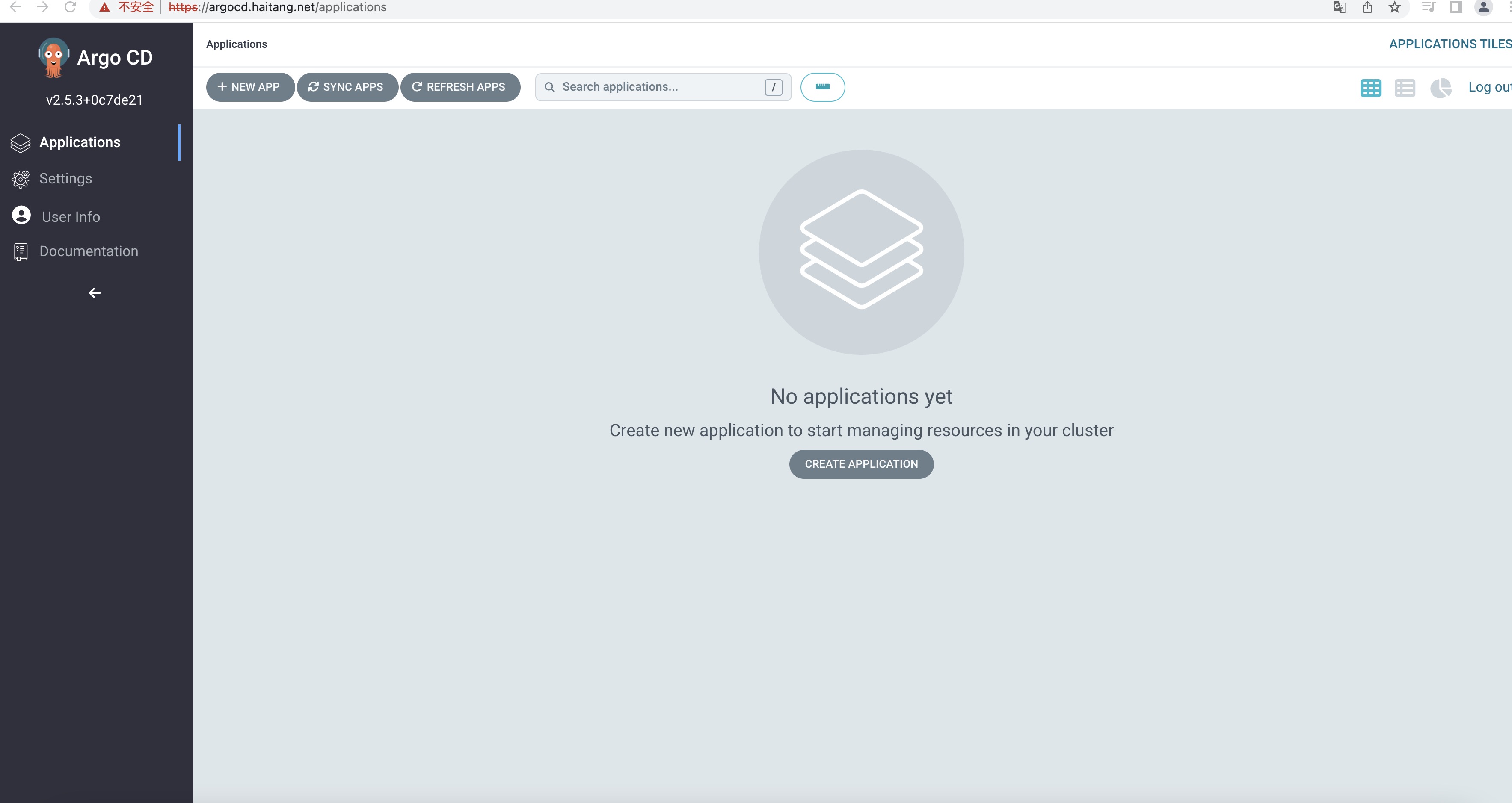
修改为Nodeport或者Loadbalancer亦或者Ingress才可用访问ArgoCD WEB-UI
[root@kn-server-master01-13 argocd]# kubectl get svc -n argocd
NAME                                      TYPE        CLUSTER-IP      EXTERNAL-IP   PORT(S)                      AGE
argocd-applicationset-controller          ClusterIP   10.96.233.34    <none>        7000/TCP,8080/TCP            8m35s
argocd-dex-server                         ClusterIP   10.96.15.14     <none>        5556/TCP,5557/TCP,5558/TCP   8m35s
argocd-metrics                            ClusterIP   10.96.99.245    <none>        8082/TCP                     8m35s
argocd-notifications-controller-metrics   ClusterIP   10.96.154.168   <none>        9001/TCP                     8m35s
argocd-redis                              ClusterIP   10.96.182.219   <none>        6379/TCP                     8m35s
argocd-repo-server                        ClusterIP   10.96.108.40    <none>        8081/TCP,8084/TCP            8m35s
argocd-server                             ClusterIP   10.96.164.184   <none>        80/TCP,443/TCP               8m35s
argocd-server-metrics                     ClusterIP   10.96.83.5      <none>        8083/TCP                     8m35s

若你是在本地端工作可以使用kubectl port-forward svc/argocd-server -n argocd 8080:443,通过port-forward 的方式连接。
将ArgoCD-Server的Service Type改为LoadBalancer命令如下:
kubectl patch svc argocd-server -n argocd -p '{"spec": {"type": "LoadBalancer"}}'
[root@kn-server-master01-13 argocd]# wget  https://github.com/argoproj/argo-cd/releases/download/v2.5.3/argocd-linux-amd64
--2022-12-04 09:56:47--  https://github.com/argoproj/argo-cd/releases/download/v2.5.3/argocd-linux-amd64
正在解析主机 github.com (github.com)... 20.205.243.166
正在连接 github.com (github.com)|20.205.243.166|:443... 已连接。
已发出 HTTP 请求,正在等待回应... 302 Found
位置:https://objects.githubusercontent.com/github-production-release-asset-2e65be/120896210/dc4d761d-ef5d-4f4c-8dc3-a72e134313c1?X-Amz-Algorithm=AWS4-HMAC-SHA256&X-Amz-Credential=AKIAIWNJYAX4CSVEH53A%2F20221204%2Fus-east-1%2Fs3%2Faws4_request&X-Amz-Date=20221204T015648Z&X-Amz-Expires=300&X-Amz-Signature=ac9daeadb91a0f6b12cab84d5bc3b5d56abb78e960a93a62f68df9de904360bf&X-Amz-SignedHeaders=host&actor_id=0&key_id=0&repo_id=120896210&response-content-disposition=attachment%3B%20filename%3Dargocd-linux-amd64&response-content-type=application%2Foctet-stream [跟随至新的 URL]
--2022-12-04 09:56:48--  https://objects.githubusercontent.com/github-production-release-asset-2e65be/120896210/dc4d761d-ef5d-4f4c-8dc3-a72e134313c1?X-Amz-Algorithm=AWS4-HMAC-SHA256&X-Amz-Credential=AKIAIWNJYAX4CSVEH53A%2F20221204%2Fus-east-1%2Fs3%2Faws4_request&X-Amz-Date=20221204T015648Z&X-Amz-Expires=300&X-Amz-Signature=ac9daeadb91a0f6b12cab84d5bc3b5d56abb78e960a93a62f68df9de904360bf&X-Amz-SignedHeaders=host&actor_id=0&key_id=0&repo_id=120896210&response-content-disposition=attachment%3B%20filename%3Dargocd-linux-amd64&response-content-type=application%2Foctet-stream
正在解析主机 objects.githubusercontent.com (objects.githubusercontent.com)... 185.199.108.133, 185.199.109.133, 185.199.110.133, ...
正在连接 objects.githubusercontent.com (objects.githubusercontent.com)|185.199.108.133|:443... 已连接。
已发出 HTTP 请求,正在等待回应... 200 OK
长度:133625646 (127M) [application/octet-stream]
正在保存至: “argocd-linux-amd64”

100%[==========================================================================================================================================================>] 133,625,646  595KB/s 用时 4m 18s

2022-12-04 10:01:07 (506 KB/s) - 已保存 “argocd-linux-amd64” [133625646/133625646])
[root@kn-server-master01-13 argocd]# cp argocd-linux-amd64  /usr/local/bin/argocd
[root@kn-server-master01-13 argocd]#  chmod +x /usr/local/bin/argocd
[root@kn-server-master01-13 argocd]# argocd --help
argocd controls a Argo CD server

Usage:
  argocd [flags]
  argocd [command]

Available Commands:
  account     Manage account settings
  admin       Contains a set of commands useful for Argo CD administrators and requires direct Kubernetes access
  app         Manage applications
  appset      Manage ApplicationSets
  cert        Manage repository certificates and SSH known hosts entries
  cluster     Manage cluster credentials
  completion  output shell completion code for the specified shell (bash or zsh)
  context     Switch between contexts
  gpg         Manage GPG keys used for signature verification
  help        Help about any command
  login       Log in to Argo CD
  logout      Log out from Argo CD
  proj        Manage projects
  relogin     Refresh an expired authenticate token
  repo        Manage repository connection parameters
  repocreds   Manage repository connection parameters
  version     Print version information

Flags:
      --auth-token string               Authentication token
      --client-crt string               Client certificate file
      --client-crt-key string           Client certificate key file
      --config string                   Path to Argo CD config (default "/root/.config/argocd/config")
      --core                            If set to true then CLI talks directly to Kubernetes instead of talking to Argo CD API server
      --grpc-web                        Enables gRPC-web protocol. Useful if Argo CD server is behind proxy which does not support HTTP2.
      --grpc-web-root-path string       Enables gRPC-web protocol. Useful if Argo CD server is behind proxy which does not support HTTP2. Set web root.
  -H, --header strings                  Sets additional header to all requests made by Argo CD CLI. (Can be repeated multiple times to add multiple headers, also supports comma separated headers)
  -h, --help                            help for argocd
      --http-retry-max int              Maximum number of retries to establish http connection to Argo CD server
      --insecure                        Skip server certificate and domain verification
      --kube-context string             Directs the command to the given kube-context
      --logformat string                Set the logging format. One of: text|json (default "text")
      --loglevel string                 Set the logging level. One of: debug|info|warn|error (default "info")
      --plaintext                       Disable TLS
      --port-forward                    Connect to a random argocd-server port using port forwarding
      --port-forward-namespace string   Namespace name which should be used for port forwarding
      --server string                   Argo CD server address
      --server-crt string               Server certificate file

Use "argocd [command] --help" for more information about a command.
默认 admin 密码存放在 <ArgoCD 实例名>-cluster secret 里
[root@kn-server-master01-13 ~]# kubectl -n argocd get secret argocd-initial-admin-secret -o jsonpath="{.data.password}" | base64 -d; echo
56bRDj50k-a1LWpT
[root@kn-server-master01-13 argocd]# argocd login 10.0.0.14
WARNING: server certificate had error: x509: cannot validate certificate for 10.0.0.14 because it doesn't contain any IP SANs. Proceed insecurely (y/n)? yes
Username: admin
Password:
'admin:login' logged in successfully
Context '10.0.0.14' updated
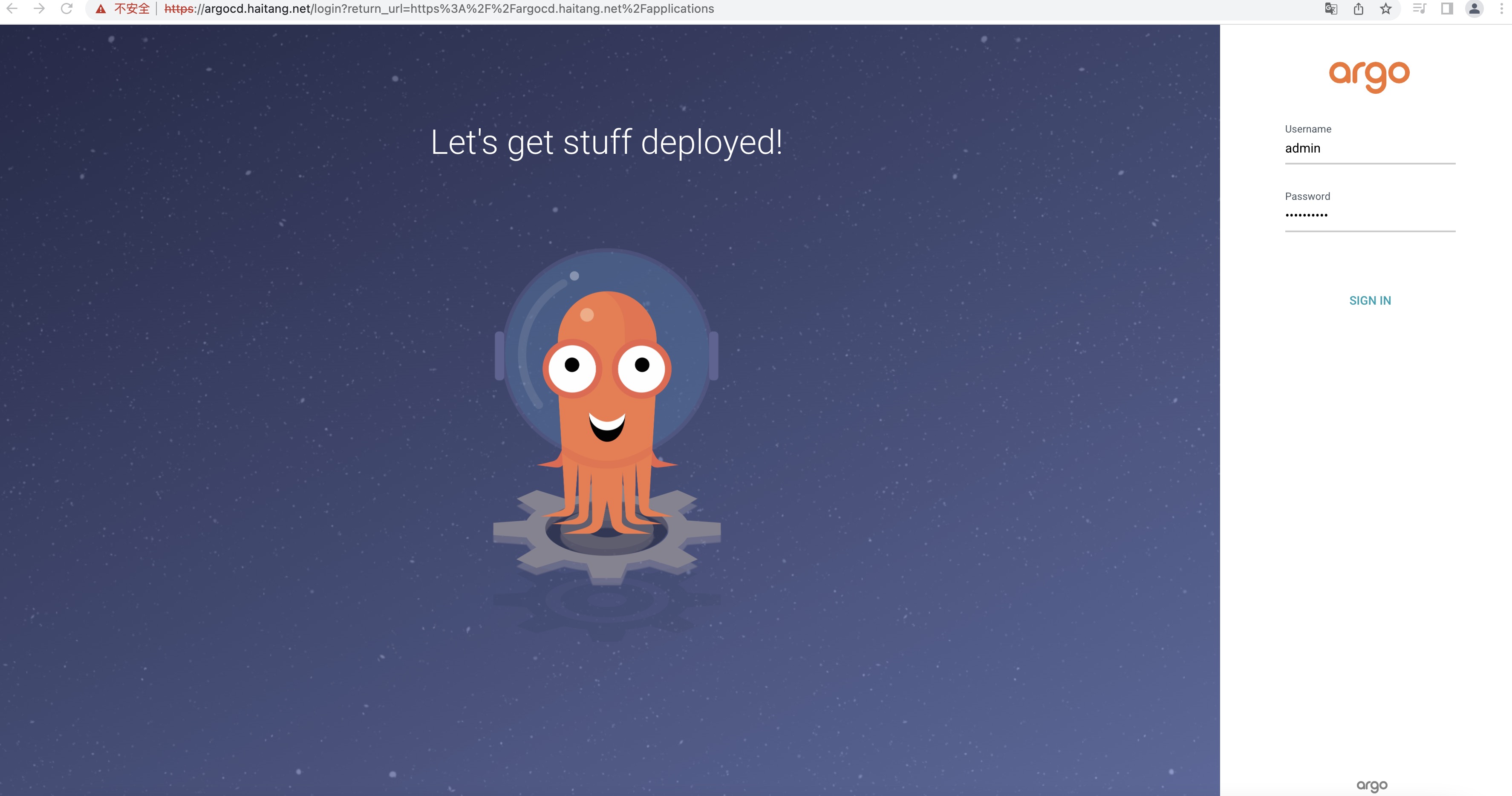
由于Argocd的密码过于复杂,并不易于记住,所以修改Argocd登陆密码。
[root@kn-server-master01-13 argocd]# argocd account update-password
*** Enter password of currently logged in user (admin):  输入argocd的原密码
*** Enter new password for user admin:
*** Confirm new password for user admin:
Password updated
Context '10.0.0.14' updated   密码修改成功,WEBUI会自动刷新。
另外ArgoCD可能在国内无法拖下镜像,需要镜像的可以留言,后续会将ArgoCD镜像上传至Docker Hub。
很好奇,就使用rubyonrails自动化单元测试而言,你们正在做什么?您是否创建了一个脚本来在cron中运行rake作业并将结果邮寄给您?git中的预提交Hook?只是手动调用?我完全理解测试,但想知道在错误发生之前捕获错误的最佳实践是什么。让我们理所当然地认为测试本身是完美无缺的,并且可以正常工作。下一步是什么以确保他们在正确的时间将可能有害的结果传达给您? 最佳答案 不确定您到底想听什么,但是有几个级别的自动代码库控制:在处理某项功能时,您可以使用类似autotest的内容获得关于哪些有效,哪些无效的即时反馈。要确保您的提
导读:随着叮咚买菜业务的发展,不同的业务场景对数据分析提出了不同的需求,他们希望引入一款实时OLAP数据库,构建一个灵活的多维实时查询和分析的平台,统一数据的接入和查询方案,解决各业务线对数据高效实时查询和精细化运营的需求。经过调研选型,最终引入ApacheDoris作为最终的OLAP分析引擎,Doris作为核心的OLAP引擎支持复杂地分析操作、提供多维的数据视图,在叮咚买菜数十个业务场景中广泛应用。作者|叮咚买菜资深数据工程师韩青叮咚买菜创立于2017年5月,是一家专注美好食物的创业公司。叮咚买菜专注吃的事业,为满足更多人“想吃什么”而努力,通过美好食材的供应、美好滋味的开发以及美食品牌的孵
我认为我的问题最好用一个例子来描述。假设我有一个名为“Thing”的简单模型,它有一些简单数据类型的属性。像...Thing-foo:string-goo:string-bar:int这并不难。数据库表将包含具有这三个属性的三列,我可以使用@thing.foo或@thing.bar之类的东西访问它们。但我要解决的问题是当“foo”或“goo”不再包含在简单数据类型中时会发生什么?假设foo和goo代表相同类型的对象。也就是说,它们都是“Whazit”的实例,只是数据不同。所以现在事情可能看起来像这样......Thing-bar:int但是现在有一个新的模型叫做“Whazit”,看起来
我有一个要在我的Rails3项目中使用的数组扩展方法。它应该住在哪里?我有一个应用程序/类,我最初把它放在(array_extensions.rb)中,在我的config/application.rb中我加载路径:config.autoload_paths+=%W(#{Rails.root}/应用程序/类)。但是,当我转到railsconsole时,未加载扩展。是否有一个预定义的位置可以放置我的Rails3扩展方法?或者,一种预先定义的方式来添加它们?我知道Rails有自己的数组扩展方法。我应该将我的添加到active_support/core_ext/array/conversion
参见下面的示例,我想最好使用第二种方法,但第一种也可以。哪种方法最好,使用另一种的后果是什么?classTestdefstartp"started"endtest=Test.newtest.startendclassTest2defstartp"started"endendtest2=Test2.newtest2.start 最佳答案 我肯定会说第二种变体更有意义。第一个不会导致错误,但对象实例化完全过时且毫无意义。外部变量在类的范围内不可见:var="string"classAvar=A.newendputsvar#=>strin
如果我构建了一个应用程序来访问来自Gmail、Twitter和Facebook的一些数据,并且我希望用户只需输入一次他们的身份验证信息,并且在几天或几周后重置,那会怎样是在Ruby中动态执行此操作的最佳方法吗?我看到很多人只是拥有他们客户/用户凭证的配置文件,如下所示:gmail_account:username:myClientpassword:myClientsPassword这看起来a)非常不安全,b)如果我想为成千上万的用户存储此类信息,它就无法工作。推荐的方法是什么?我希望能够在这些服务之上构建一个界面,因此每次用户进行交易时都必须输入凭据是不可行的。
我正在使用Devise在Rails应用程序中,并希望通过API公开一些模型数据,但应该像应用程序一样限制对API的访问。$curlhttp://myapp.com/api/v1/sales/7.json{"error":"Youneedtosigninorsignupbeforecontinuing."}很明显。在这种情况下是否有访问API的最佳实践?我更喜欢一步验证+获取数据,但这只是为了让客户的工作更轻松。他们将使用JQuery在客户端提取数据。感谢您提供任何信息!凡妮莎 最佳答案 我建议您按照以下帖子中的选项2:使用APIke
我正在开发一个Rails2.3.1网站。在整个网站中,我需要一个用于在各种页面(主页、创建帖子页面、帖子列表页面、评论列表页面等)上创建帖子的表单——只要说这个表单需要在由各种Controller)。这些页面中的每一个都显示在相应的Controller/操作中检索到的各种其他信息。例如,主页列出了最新的10篇文章、从数据库中提取的内容等。因此,我已将帖子创建表单移动到它自己的部分中,并将该部分包含在所有必要的页面中。请注意,部分POST中的表单到/questions(路由到PostsController::create——这是默认的Rails行为)。我遇到的问题是当Posts表单没有正
我正在按照我一直在研究的研讨会实现“服务对象”,我正在构建一个redditAPI应用程序。我需要对象返回一些东西,所以我不能只执行初始化程序中的所有内容。我有这两个选择:选项1:类需要实例化classSubListFromUserdefuser_subscribed_subs(client)@client=client@subreddits=sort_subs_by_name(user_subs_from_reddit)endprivatedefsort_subs_by_name(subreddits)subreddits.sort_by{|sr|sr[:name].downcase}
美团外卖搜索工程团队在Elasticsearch的优化实践中,基于Location-BasedService(LBS)业务场景对Elasticsearch的查询性能进行优化。该优化基于Run-LengthEncoding(RLE)设计了一款高效的倒排索引结构,使检索耗时(TP99)降低了84%。本文从问题分析、技术选型、优化方案等方面进行阐述,并给出最终灰度验证的结论。1.前言最近十年,Elasticsearch已经成为了最受欢迎的开源检索引擎,其作为离线数仓、近线检索、B端检索的经典基建,已沉淀了大量的实践案例及优化总结。然而在高并发、高可用、大数据量的C端场景,目前可参考的资料并不多。因此
